
Venture Capital (VC) firms use Virtual Data Rooms (VDRs) as a secure, centralized, and highly controlled online repository to store, share, and manage sensitive information during critical high-stakes transactions.
Unlike general file-sharing tools like Google Drive, VDRs are designed for "parties that do not trust each other", yet need to share confidential information under controlled conditions.
This guide is for VC firms, and we'll cover how data rooms actually work, what to include, which tools are worth paying for, and what mistakes to avoid.


What is a data room?
A data room is a secure, organized place where you store and share important documents with the people who need to review them. It doesn't matter if you're a startup sharing financials with an investor, a VC firm managing portfolio company, a company being acquired, or a real estate firm sharing property documents with a buyer - the core idea is the same: controlled access, clear organization, and a reliable record of who saw what.
The concept started in M&A. Before everything moved online, companies would set up a physical room full of documents that potential buyers could review under supervision. Now it's all virtual - which is why you'll often hear the term virtual data room, or VDR. Same idea, just without the commute.

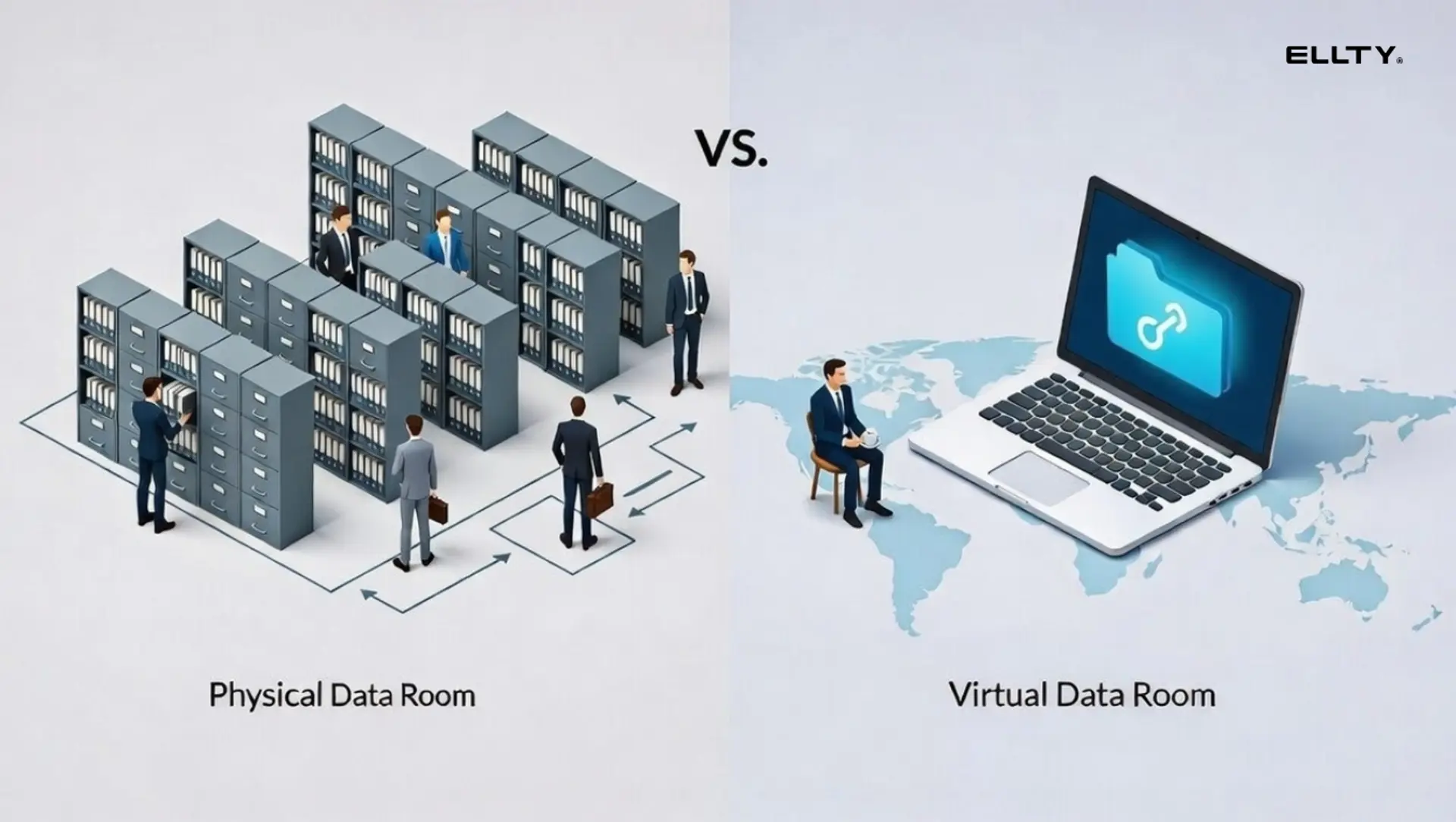
In any deal-driven context, a data room does two things:
For the party sharing documents, it's how you present your information in the most credible way possible. It's the difference between "trust me, the numbers are good" and actually showing the numbers in a clean, organized format that speaks for itself.
For the party reviewing documents, it's a tool to verify claims, spot red flags, and make informed decisions - whether that's an investor deciding whether to write a check, a buyer deciding whether to close a deal, or a client deciding whether to hire a firm.
Key Uses of VDRs by VC Firms
Due Diligence (buy-side & sell-side)
VCs use VDRs to "dig under the hood" of a target company, reviewing financials, intellectual property, legal structures, and employee contracts. They allow multiple parties (investors, lawyers) to review documents simultaneously.
Fundraising from Limited Partners (LPs)
VCs use VDRs to share sensitive documents - investment theses, PPMs (Private Placement Memorandums), and performance metrics - with prospective institutional investors securely.
Portfolio Company Monitoring
VCs create dedicated, secured rooms for each portfolio company to centralize board packs, financial updates, KPI reports, and governance documents.
Exits and M&A
During a company sale or "exit," VCs use VDRs to share data with potential buyers. These rooms facilitate secure, rapid, and structured sharing of data to maximize company value.
Co-investment and Syndication
VCs use VDRs to share deal memos and term sheets with co-investors in a managed, collaborative way.
How VC firms actually use data rooms
If you're on the investment team, a data room isn't just something founders send you before a deal closes. You're using data rooms constantly - for deals coming in, for companies already in your portfolio, and for your own fundraising. Here's how it breaks down:
1. Before you invest - running due diligence
When a deal looks promising, you request a data room from the founder and go through everything: financials, cap table, legal documents, contracts, team details, product information. Your lawyers and accountants are usually in there too. You're not just reviewing - you're checking whether what the founder said in the pitch actually holds up. A well-organized data room from a founder makes this faster. A messy one slows everything down and sometimes raises its own red flags.
2. After you invest - managing your portfolio
This is the part that doesn't get talked about enough. Once a company is in your portfolio, the document work doesn't stop. Board materials come in every quarter. Cap tables get updated. Financial reports stack up. Multiply that by 20, 30, or 50+ companies and you have a serious document management problem if you don't have a system.
A good data room setup lets you keep everything organized by company, track what's current, and pull up what you need without digging through old emails or chasing founders for files.
3. When you're raising your next fund - LP due diligence
When it's time to go back out to LPs, you need to show your track record. That means pulling performance data, case studies, and documentation from your portfolio companies. If that information is organized and accessible in a data room, building your LP materials is straightforward. If it's scattered across inboxes and shared drives, you're doing a lot of painful work right when you need to be focused on the raise.
The bigger point here is that a data room isn't just a deal tool. It's part of how you run the firm - before a deal, during a company's life in your portfolio, and when you're out raising capital yourself. The firms that treat it that way spend less time chasing documents and more time on the work that actually matters.

What is the concept of a data room and why it matters now
The idea behind a data room is straightforward: give the right people access to the right documents, control who can see what, and keep a record of every action taken.
That concept matters more now than it did five years ago, and here's why it's relevant to how you run your firm specifically.
Deals move faster. Diligence timelines have compressed. Decisions that used to take six weeks now happen in two. When you're evaluating a company, you need their documents organized and accessible from day one, not trickling in over email across two weeks. The firms that close the best deals aren't always the ones who move first, but they're rarely the ones slowed down by document chaos.
More people need access at the same time. A typical deal involves multiple partners at your firm, co-investors, legal counsel, and financial advisors - all needing different documents at different stages. Trying to manage that over email creates version confusion, access gaps, and a trail you can't easily audit. A well-configured data room handles all of it in one place.
Security isn't optional. You're handling sensitive financial records, legal agreements, and confidential company information - often before any formal relationship is in place. Document-level access controls, NDA gating, and watermarking aren't premium features. They're the baseline for doing this responsibly.
The quality of a data room tells you something. When a founder sends you a clean, well-organized data room, it signals that they run a tight operation. When it's a mess, that's a signal too. The same logic applies from your side - how you organize and share documents with LPs, co-investors, and legal teams reflects on how you run your firm.


Data room checklist: what VCs should look for during diligence
Requirements vary by stage and deal type, but there's a core set of documents you should expect to find in any serious data room. If something is missing, ask for it. If something doesn't match what the founder told you in the pitch, that's worth a conversation before you go further.

Here's a practical checklist organized by category:
Company and overview documents
- Current pitch deck (same version you used to get the meeting)
- Company overview or one-pager with key metrics
- Executive summary (optional but useful for complex businesses)
- Mission, vision, and strategy document if separate from deck
Financial documents
- Income statement (P&L) - last 3 years or since founding
- Balance sheet - current and last year-end
- Cash flow statement
- Financial model with assumptions clearly labeled
- Monthly MRR or ARR chart (for SaaS or recurring revenue businesses)
- Current burn rate and runway summary
- Previous funding history with amounts, dates, and terms
- Bank statements for last 3-6 months (sometimes requested in later stages)
Legal and corporate documents
- Certificate of incorporation
- Company bylaws or articles of association
- Cap table - current and fully diluted (Carta or similar format preferred)
- All shareholder agreements
- Voting agreements and any side letters
- Board resolutions approving prior funding rounds
- Option pool documentation (plan, grants, vesting schedules)
- Any warrants or convertible notes outstanding
Team documents
- Org chart
- Founder bios and LinkedIn profiles
- Key employee offer letters or employment contracts
- Advisor agreements
- Any non-compete or non-solicitation agreements
Product and technology
- Product roadmap
- Demo video or interactive demo link
- Technical architecture overview (for deep tech or infrastructure companies)
- IP documentation - patents, trademarks, pending applications
- Key software licenses
Customer and revenue documentation
- Monthly metrics dashboard or KPI summary
- Customer cohort data - retention, churn, LTV
- Top 10-20 customer list (anonymized by revenue tier if needed for confidentiality)
- Representative customer contracts (redacted where appropriate)
- NPS or customer satisfaction data if available
Partnerships and vendor contracts
- Key vendor or supplier agreements
- Strategic partnership contracts
- Any exclusivity arrangements
Compliance and regulatory
- Relevant licenses or permits
- Insurance certificates
- Any regulatory filings
- Prior audits or reviews


When you're reviewing a founder's data room, don't give extra credit for volume. A short, clean data room with accurate documents tells you more than a bloated one full of outdated files. The quality of what's in there matters more than how much there is.
Start tracking how founders and co-investors engage with your shared documents using Ellty free plan - no credit card needed, and you'll see exactly who's opening what from day one.
How VC firms manage portfolio companies through data rooms
Once a company is in your portfolio, the way you use data rooms shifts. You're no longer just reviewing documents to make a decision - you're building systems to track information across every company you've invested in, and you're asking founders to share documents with you on a regular basis.
Here's what that typically looks like in practice:
Quarterly reporting. Most institutional firms require quarterly financial updates from portfolio companies. Some firms send founders a standard template. Others leave it flexible. Either way, these documents need somewhere to live - ideally a system where you can pull up any company's last four quarters without digging through email threads.
Board materials. Board decks, minutes, and resolutions are sensitive and need to be stored properly. Most firms maintain a dedicated folder or data room for each portfolio company where all board materials are kept from day one. When something comes up - a follow-on decision, a dispute, an exit - you want those documents accessible immediately, not scattered across inboxes.
Cap table tracking. Every new round, secondary transaction, or option grant changes the cap table. You need the current version on file at all times. Part of your ongoing relationship with portfolio companies should include making sure that document stays updated in a place you control or can access.
Exit preparation. When a portfolio company moves toward an acquisition or IPO, you'll often need to compile a comprehensive data room quickly. If you've maintained good document hygiene throughout the company's life, this takes days. If you haven't, it can take weeks and that delay has real costs when a deal is time-sensitive.
The firms that handle this well treat portfolio data rooms as a living system, not a filing cabinet they only open when something goes wrong.
What makes a good data room for venture capital specifically
Not all data rooms are equal. Here's what separates a data room that moves deals forward from one that creates unnecessary friction:
It's organized, not just complete. Having every document means nothing if the reviewer can't find what they need. A clear, numbered folder structure - 01 Company Overview, 02 Financials, 03 Legal, and so on - is faster to navigate than a flat file dump or a pile of folders named by whoever uploaded them. When you're reviewing a founder's data room, disorganization slows your team down. When you're sharing materials with LPs or co-investors, it reflects on you.
It's internally consistent. If a founder's deck says ARR is $2.1M but the financial model shows $1.8M, that's a question your team has to stop and resolve. Inconsistencies between documents don't always kill deals, but they slow diligence down and raise questions that shouldn't need to exist. When you're building your own LP materials, the same rule applies. Every number should tie back to a source.
It has the right access controls. Not everyone needs to see everything at the same time. Early in a diligence process, a co-investor might only need the deck and a financial summary. Detailed employee compensation or sensitive customer contracts come later, if at all. Good access control means you can share what's appropriate at each stage without restructuring the whole room every time.
It's trackable. Knowing when someone opens a document, how long they spend, and which sections they focus on is genuinely useful information. If an LP has spent 40 minutes in your performance section, that's the conversation they want to have. If a co-investor hasn't opened the data room in two weeks, that tells you something too. Document analytics turn a passive file share into an active signal.
It has document-level security. Watermarking and NDA gating are not paranoia, they're standard practice when you're sharing sensitive business documents with people who have no legal obligation yet to keep them confidential. This matters both when you're reviewing founder documents and when you're sharing your own fund materials.
Virtual data room providers for VC firms
There's no shortage of options when it comes to virtual data room software. The right choice depends on what you need - whether that's sophisticated analytics, heavy M&A-grade security, or something clean and fast that doesn't require a week of onboarding. Here are seven worth knowing about:
1. Ellty

Ellty is a virtual data room built for teams that need to share documents securely without the complexity or cost of enterprise-grade platforms. For VC firms, it covers the core use cases cleanly: due diligence, portfolio document management, and LP reporting - all in one place.
Setting up a data room in Ellty takes minutes. You get a clear folder structure, granular access controls, and real-time document analytics that show you exactly who opened what and when. That last part matters more than most people realize. Knowing which LP spent 30 minutes on your track record section, or which co-investor hasn't opened the deck yet, changes how you follow up.
Ellty also handles the security basics well. NDA gating, watermarking, and permission settings are all built in, not bolted on. For firms that manage multiple portfolio companies, you can organize everything by company and keep documents current without the administrative overhead of more complex systems.
Pricing is straightforward and transparent, with a free plan available to get started. For smaller firms or teams that don't need the full feature set of an Intralinks or Datasite, Ellty hits a practical middle ground - professional enough for serious deals, simple enough that your whole team will actually use it.


2. Datasite

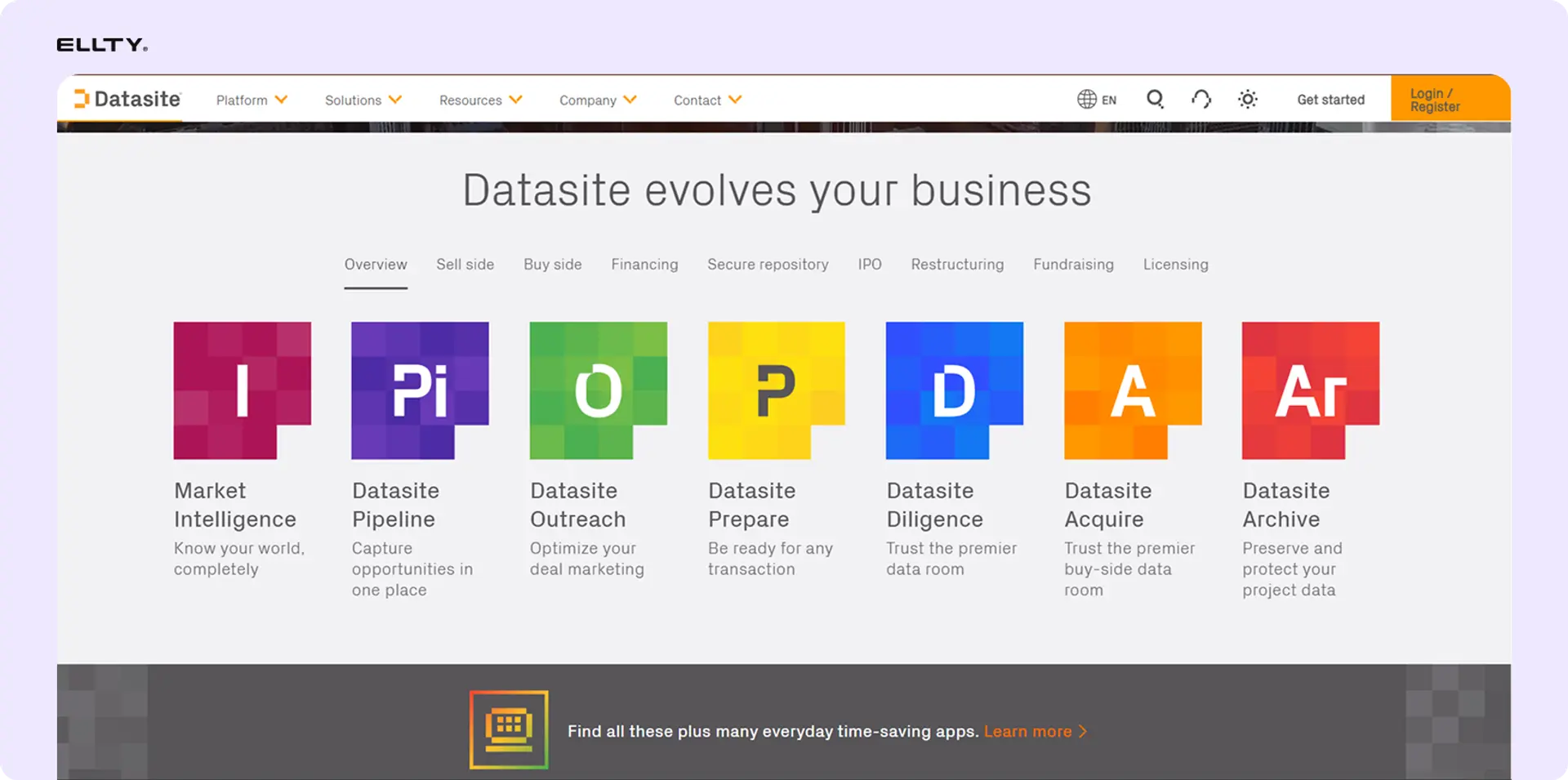
Datasite is one of the most widely used data room platforms in the market, built primarily for high-stakes M&A transactions. For VC firms handling complex deals or working alongside investment banks and large legal teams, Datasite brings the infrastructure to match.
The platform is known for its advanced redaction tools, AI-powered document processing, and detailed audit trails. When you're running a deal with hundreds of documents and dozens of reviewers across multiple firms, Datasite's workflow management features become genuinely useful - you can assign review tasks, track completion, and manage Q&A threads directly inside the platform.
Security is enterprise-grade: granular permissions, dynamic watermarking, and access controls that can be adjusted at the document level. The audit trail is thorough enough to satisfy legal teams on both sides of a transaction.
The tradeoff is complexity and cost. Datasite is priced for large transactions, and the platform reflects that. There's a learning curve, and it can feel like more than you need for routine portfolio management or LP reporting. For VC firms that regularly work on large exits or co-invest with PE firms, it's worth the investment. For day-to-day fund operations, it's likely overkill.
3. Intralinks

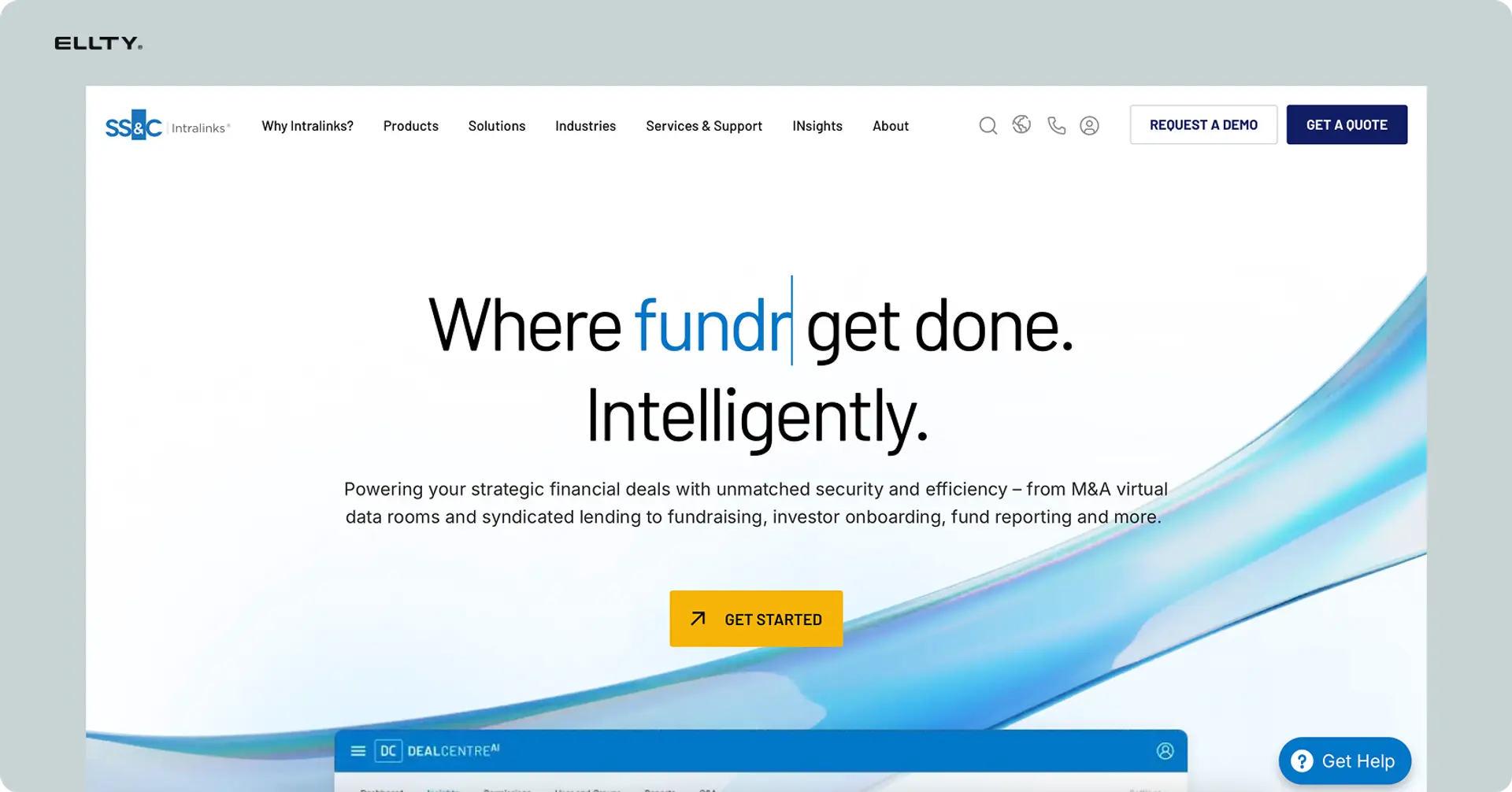
Intralinks has been in the data room space for decades and is one of the most recognized names in enterprise-grade virtual data rooms. It's used heavily in M&A, capital markets, and private equity, and it brings a depth of features that reflects that history.
For VC firms working on larger, more complex transactions - late-stage rounds, secondary sales, or exits involving institutional buyers - Intralinks offers the kind of infrastructure those deals require. Document management is robust, access controls are detailed, and the platform is built to handle large document volumes across many concurrent reviewers without friction.
The analytics are solid: you can track engagement at the document and user level, which helps during active diligence processes. There's also strong support for cross-border deals, with multilingual capabilities and compliance features relevant to international transactions.
The downside is the same one that comes with most enterprise platforms: it's expensive, it takes time to set up properly, and the interface isn't the most intuitive for teams that aren't already familiar with it. For a firm managing a standard portfolio of early-stage companies, Intralinks is probably more platform than you need. For firms doing institutional-scale deals regularly, it's a known quantity that legal and finance teams on the other side will recognize.
4. Digify


Digify sits in a practical middle ground between lightweight file sharing tools and full enterprise data room platforms. It's a good fit for VC firms that need professional document security and tracking without the overhead of platforms designed for large M&A transactions.
The standout feature is document control. Digify lets you set expiry dates on shared documents, restrict downloads, enable screenshot protection, and apply dynamic watermarks - all at the individual document level. For early-stage diligence or LP document sharing, this level of control is genuinely useful without requiring a complex setup.
Analytics are straightforward: you can see who opened a document, how long they spent, and on which pages. It won't give you the deep engagement metrics of a platform like Datasite, but for most VC use cases - a standard diligence process or a fund update to LPs - it covers what you need.
Setup is fast. Teams can get a data room running in under an hour without dedicated IT support. Pricing is transparent and more accessible than enterprise platforms, which makes it a reasonable option for smaller firms or for use cases where you don't need every feature a larger platform offers. The tradeoff is that it's less built out for complex multi-party transactions with large document volumes.
5. DealRoom


DealRoom is built specifically for M&A and investment workflows, which makes it more relevant to VC firms than generic file sharing platforms. The core idea is that a data room shouldn't just be a place to store documents, it should be a workspace where deals actually get managed.
Beyond standard document storage and access controls, DealRoom includes project management features: task assignments, checklists, and diligence trackers that let you manage the full process inside one platform. For firms running multiple active deals simultaneously, that kind of structure reduces the coordination overhead that usually ends up in email and spreadsheets.
The Q&A module is particularly useful during active diligence. Instead of managing back-and-forth document requests over email, both sides can handle questions and responses directly in the platform - with a full audit trail attached.
Analytics and permission controls are solid. You can track engagement by user and document, set access by role, and restrict what reviewers can do with files. The interface is cleaner and more modern than some older enterprise platforms, which shortens the learning curve for teams that haven't used a formal VDR before. Pricing is mid-range - more than basic tools, less than Intralinks or Datasite, and is structured around deal volume rather than flat monthly fees.
6. Firmex
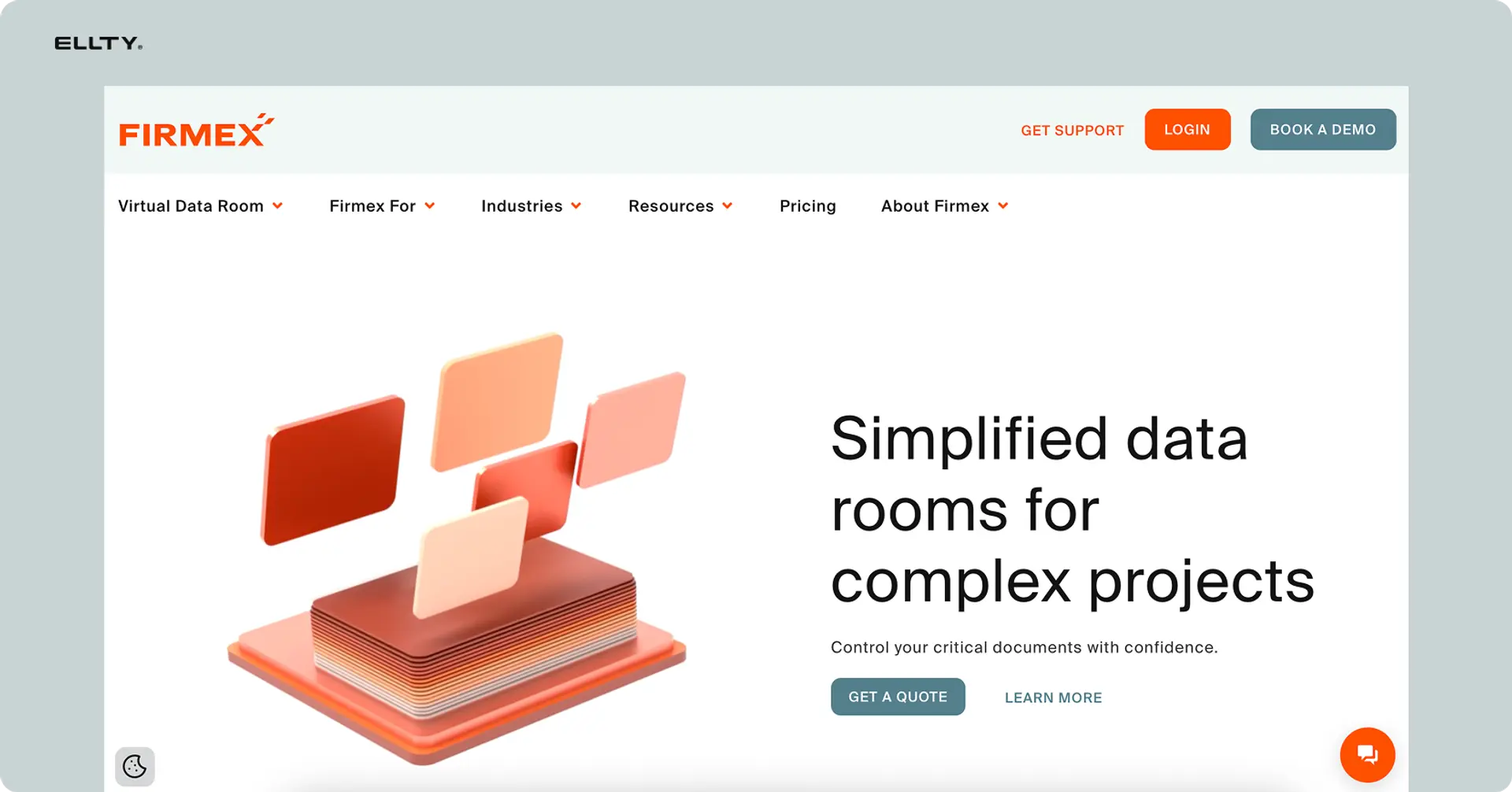
Firmex is a well-established virtual data room used widely in M&A, private equity, and legal transactions. For VC firms that work closely with legal counsel or regularly run formal diligence processes, Firmex's feature set maps well to those workflows.
The platform handles large document volumes reliably, with bulk upload, automatic indexing, and version control that keeps things organized even when files are coming in from multiple sources. Access controls are granular - you can set permissions at the folder, document, or user level, and adjust them as a deal progresses without restructuring the whole room.
Firmex is known for responsive customer support, which matters when you're mid-deal and something isn't working the way it should. Many users cite this as one of the platform's genuine differentiators compared to larger enterprise platforms where support can be slower or harder to reach.
The audit trail is thorough and export-ready, which is useful when legal teams need documentation of who accessed what during a transaction. Analytics cover the standard engagement metrics - open rates, time spent, page-level activity - without the advanced AI-driven features you'd find on platforms like Datasite.
Pricing is usage-based, which works well for firms that run a moderate number of deals per year but don't want to pay for a platform they're only using at full capacity occasionally.
7. Box

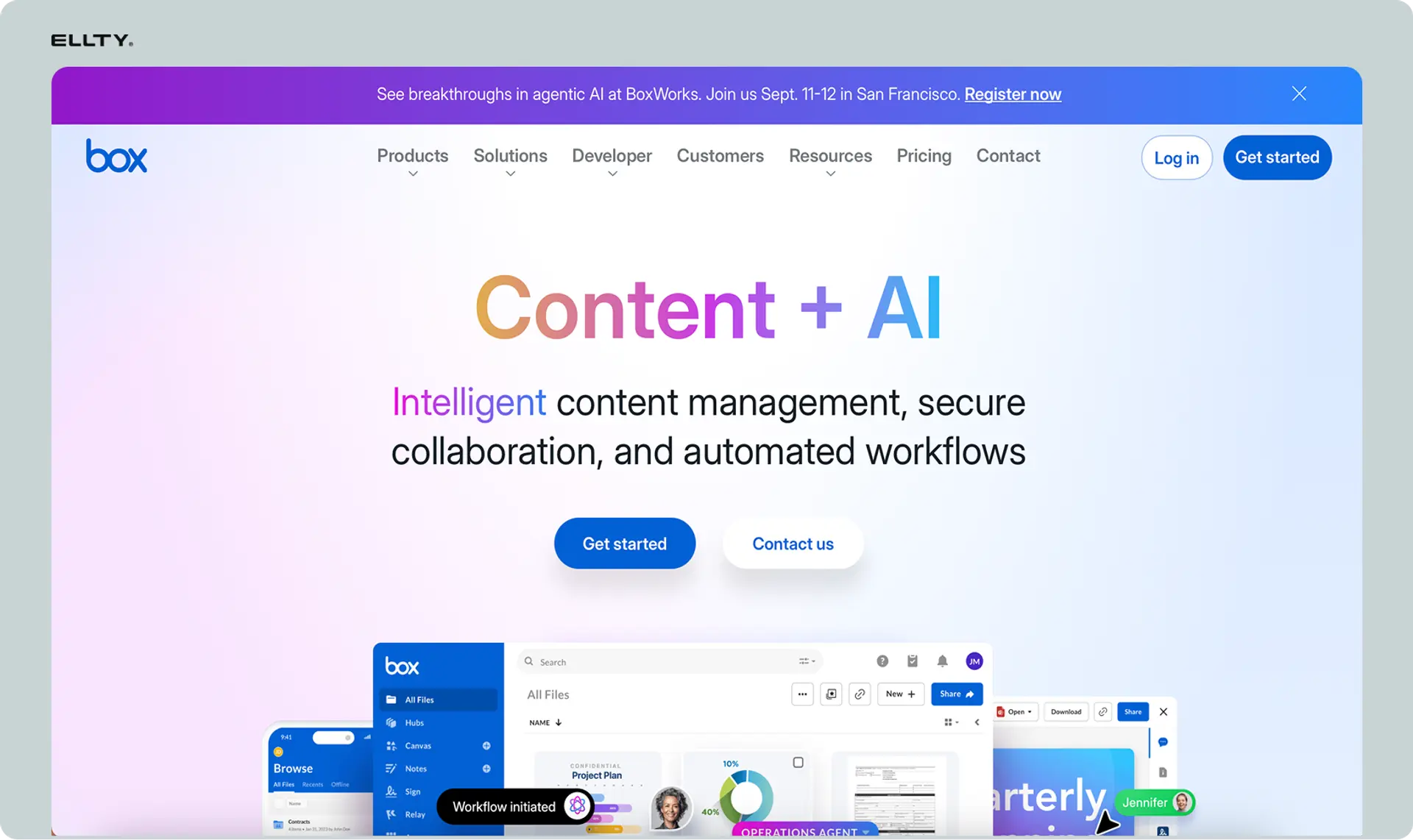
Box isn't a purpose-built virtual data room, but it ends up in this conversation because many VC firms already use it for general document management and extend it to data room use cases. If your firm is already on Box, it's worth understanding where it works and where it falls short.
On the practical side, Box handles large file volumes well, integrates with tools most teams already use (Slack, Google Workspace, Microsoft 365), and has solid permission controls for a general-purpose platform. For internal document sharing or basic portfolio company file management, it's functional and familiar.
The gaps show up when you need data room-specific features. Box doesn't offer NDA gating, dynamic watermarking, or the kind of granular document analytics that matter during active diligence. You can see whether a file was accessed, but you can't see how long someone spent on page 7 of your financial model. For LP reporting or formal due diligence, those gaps are real.
Box works best as a portfolio management layer - a place to keep ongoing company documents organized - rather than as a primary tool for diligence or fundraising. Firms that use it for data room purposes typically pair it with a dedicated VDR for formal processes, which can create its own coordination overhead.
Key data room features VCs utilize
Granular Access Control: Admins can set permissions at the user, folder, or document level (e.g., viewing, downloading, printing, or editing rights).
Detailed Audit Trails: VCs track every action, including who accessed which document, when, for how long, and from what IP address.
Document Security (Watermarking/AI Redaction): Features like dynamic watermarking and auto-redaction (masking PII or confidential IP) prevent information leaks.
Q&A Module: VCs use built-in Q&A tools to log, track, and answer questions from potential investors or co-investors efficiently.
Engagement Analytics: VCs monitor which documents are accessed most, allowing them to gauge investor interest and identify potential issues before they cause a deal to fail.
Setting up a data room as a VC firm: a practical walkthrough

Whether you're building a diligence room for an incoming deal, organizing portfolio company documents, or preparing materials for an LP raise, the setup process follows the same basic logic. Here's how to do it right.
Step 1: Audit what you have before you build anything
Before creating a single folder, go through what documents you actually have and what you need. Mark what exists, what needs to be created, and what isn't relevant for this specific use case. This takes 30–60 minutes and prevents you from building a folder structure around documents that don't exist yet. It also surfaces gaps early, before the other side asks for something you haven't prepared.
Step 2: Choose your platform
Pick a tool that matches the complexity of what you're doing. For most diligence processes and LP reporting, a platform with NDA gating, document-level permissions, and engagement analytics covers everything you need. You don't need an enterprise platform for every use case. Modern tools like Ellty take minutes to set up and handle the core requirements cleanly.
Step 3: Build your folder structure before uploading anything
Create all your folders first, then add documents into them. Top-level folders should map to clear categories - Company Overview, Financials, Legal, Portfolio Performance, and so on depending on the use case. Use numbering (01, 02, 03) to control the order folders appear. Don't go more than two levels deep. Deeper than that and people start getting lost.
Step 4: Upload and name documents consistently
Use a clear, consistent naming format across every file. "FirmName_DocumentType_Date.pdf" is immediately understandable. File names with words like "final," "new," or "updated version 3" are not. Before uploading, remove any drafts or outdated versions. Only the current, authoritative version of each document should be in the room.
Step 5: Configure permissions carefully
Decide what each party can access and at what stage. A co-investor early in a deal doesn't need the same access as your lead counsel in the final week of diligence. Configure view-only access by default, editing access should only be granted when genuinely necessary. Enable NDA gating before sharing sensitive materials. Turn on watermarking.
Step 6: Test the experience before sending anything
Create a test viewer account and go through the data room the way the other side will. Check that every document opens correctly, the folder structure is logical, and there are no obvious gaps. It takes 15 minutes and consistently catches things you'd otherwise only notice after someone else already has.
Step 7: Share and track engagement
Generate a trackable link or add users with specific permissions. Once it's live, monitor engagement actively. Who opened the room, when, and which documents did they spend time on - that's real signal. Use it to guide your follow-up conversations and to identify where people are getting stuck or losing interest.
Common mistakes VC firms make with data rooms
These come up consistently and all of them are avoidable:
Inconsistencies across documents. If your LP deck shows one return figure and your portfolio summary shows another, that's a question someone has to stop and resolve. Tie out your numbers before anything goes into the room.
Uploading drafts or unfinished documents. A file labeled "draft - do not share" sitting in your data room signals that either no one reviewed what was uploaded, or the final version doesn't exist. Neither reflects well on how you operate.
Giving everyone full access from day one. Sharing everything with every party at the start of a process isn't thoroughness - it's a lack of process. Stage your disclosures based on where each relationship actually is.
No access controls at all. A Google Drive link set to "anyone with the link can view" is not a data room. For documents that include portfolio financials, fund terms, or LP information, that's a real security problem.
Letting the room go stale. A data room with documents that are two years out of date tells the other side that you're not actively managing it and by extension, raises questions about how you manage other things. Keep it current.
Ignoring the analytics. If an LP has had access for three weeks and never opened the room, that's information. If a co-investor keeps returning to one specific document, that's information too. Most firms set up the room and then forget to look at what the data is telling them.
No version control. Multiple versions of the same document in the same folder create confusion about which one is current. Keep one authoritative version of each document in the room at a time. If something gets updated, replace the old version - don't add a new file alongside it.
Frequently asked questions
What is a data room in venture capital?
A data room in venture capital is a secure online environment where teams share confidential business documents with other parties. After a visitor expresses interest, they'll ask for access to the data room to verify the business - reviewing financials, legal structure, cap table, contracts, customer data, and team information. VC firms also use data rooms post-investment to monitor portfolio companies and prepare for LP reporting. The term comes from physical data rooms used in M&A, where documents were reviewed in a locked room. Today it's all virtual.
What is the concept of a data room?
The core concept is controlled, auditable document sharing. A data room gives you a secure space to share sensitive documents with specific people, set different permission levels for different viewers, track exactly who accessed what and when, require NDA acceptance before someone can view anything, and add watermarks so documents can be traced if they leak. It's more than cloud storage - it's a document management system with security and analytics built in. The audit trail is particularly important: in a formal due diligence or M&A process, you need a verifiable record of what was shared, with whom, and when.
How much does a VDR cost?
VDR pricing varies from free to $20,000+ per year. For light use cases, the practical range is $0 to $350/month. Ellty free plan covers document tracking and real-time analytics permanently. The Data Room plan is $149/month and includes NDA gating, granular permissions, dynamic watermarking, and restricted visitor access with 3 users. The Data Room Plus plan is $349/month and adds group visitor permissions, audit logs, and 4,000 assets per data room. Mid-market tools typically run $300-$1,500/month. Enterprise tools for large M&A transactions can cost $2,000-$20,000+ annually.
What's the difference between a data room and a shared Google Drive?
Both let you store and share documents. The difference is in the controls and visibility. A data room gives you analytics (who viewed what, for how long, page by page), NDA gating, watermarking, document-level permissions, real-time notifications, and audit logs. Google Drive has none of these by default. For sharing documents with team members, Google Drive is fine.
How do VC firms use data rooms after they invest?
Post-investment, VC firms use data rooms for portfolio monitoring. They track financial performance across companies, store board materials and resolutions, maintain cap table records, and prepare documentation for LP reporting. Some firms run their own portfolio management system that connects to each company's documents. As a portfolio company, you'll typically be asked to share quarterly financial updates, updated cap tables, and board materials on an ongoing basis. Keeping your data room current throughout the life of the company - not just during fundraising - makes these requests easy to fulfill.
What security features should a data room have?
The core security features for VC due diligence are: NDA gating (viewers must accept an NDA before accessing documents), dynamic watermarking (viewer's name and email embedded in every page automatically), granular access permissions (control at document or folder level, not just room level), view-only modes (prevent downloading of sensitive documents), link expiry (access auto-revokes after a set date), audit logs (a complete record of every action taken in the room), and encrypted storage and transmission. These aren't premium add-ons for complex situations - they're basic hygiene when you're sharing sensitive documents with parties who haven't yet signed a deal.
Author

Anika Tabassum Nionta is a Content Manager at Ellty, where she writes about secure document sharing, virtual data rooms, M&A, due diligence, fundraising, and sales enablement. With over 6 years of writing experience, she helps professionals understand how to share confidential documents securely, track engagement, and manage deals more effectively. Anika holds both a BA and MA in English from Dhaka University. Outside of work, she enjoys reading, exploring new cafes in Dhaka, and connecting with entrepreneurs and dealmakers in her community.

