
In this guide
- What is a virtual data room?
- What is a virtual data room used for?
- What is the main function of a VDR?
- Key virtual data room features
- Virtual data room features for M&A
- Benefits of using a VDR
- What to include in a data room
- How to create a virtual data room
- Virtual data room providers compared
- FAQ
When someone asks you for a data room, whether it's an investor, an acquirer, a lender, or a client - you want to be ready. Not scrambling to pull documents from three different folders, renaming files, and hoping nobody downloads something they shouldn't.
A virtual data room (VDR) is where serious document review actually happens. It's where trust is built or lost. Messy permissions, untracked downloads, disorganized files - these things send a signal. Not a good one.
This guide covers every virtual data room feature worth knowing - what it does, when you need it, and what to look for when choosing a platform. No vendor marketing, no filler.
What is a virtual data room?
A virtual data room is a secure, online repository where you store and share sensitive business documents. Think of it as a locked filing cabinet - except it's online, it tracks who opens what, and it lets you revoke access in seconds.
VDRs replaced physical data rooms (yes, those were real - stacks of documents in a law firm basement, with lawyers printing NDAs on site). Today, the entire process happens digitally.
Quick definition
A virtual data room is a cloud-based platform used to store, organize, and share confidential documents with controlled access. It's built for transactions - fundraising, M&A, audits, legal reviews - where security and audit trails matter.
VDRs are not the same as cloud storage. Google Drive or Dropbox can share files, yes. But they can't tell you which investor spent 12 minutes on your financial model, which pages they skipped, or whether they forwarded the link to someone else. That's the gap a VDR fills.
What is a virtual data room used for?
VDRs show up anywhere sensitive documents change hands. The most common use cases:


As a business owner, you'll most likely encounter VDRs during due diligence, serious deals, and M&A conversations. But setting one up proactively before a raise, signals you're organized, which matters more than most companies realize.
What is the main function of a virtual data room?
The main function is controlled document sharing. Not just sharing, controlled sharing. That means:
- Deciding who can see what
- Deciding what they can do with it (view only, download, comment)
- Knowing exactly what they did while they were in there
- Being able to cut off access at any point
That's it. Everything else - NDAs, watermarks, Q&A modules - is built on top of that core function. If a VDR doesn't give you granular control and a clear audit trail, it's not really doing its job.
The deal isn't won in the pitch. It's won in the data room.
Key virtual data room features
Not every feature matters equally. Here's a breakdown of what each feature does and when it's actually necessary.
Document management and organization
At minimum, a VDR needs drag-and-drop upload, folder organization, bulk upload, version control, and support for standard file types (PDF, DOCX, XLSX, PPTX). Version control is more important than people think - visitors will ask about earlier versions of documents sometimes, and you want a clean history.
Access controls and permissions
This is the feature that separates a VDR from cloud storage. You should be able to control access at the folder level, document level, or even page level. Standard permission tiers are: view only, download, print, and comment. At minimum you need view-only for sensitive documents and download rights for things people actually need to use.
Granular permissions matter a lot in M&A. A buyer's financial team shouldn't see the same documents as their legal team.
User authentication
Two-factor authentication (2FA) should be non-negotiable. For high-stakes transactions, you'll also want the ability to require identity verification before access is granted. Some VDRs let you set session timeouts so access automatically expires.
Document tracking and analytics
This is where things get genuinely useful. Good VDRs tell you who visited, when, which documents they opened, how long they spent on each one, and which pages they lingered on or skipped. For a team sharing a pitch deck, this is gold. If a viewer spent 15 minutes on your financial model but closed the deck before reaching your team slide, you know exactly what to address in the next call.
Ellty shows you real-time analytics on every link you create - who viewed it, which pages they read, and how long they spent on each one. Try it free before your next investor meeting.
NDA gating
Before a visitor can access the data room, they must agree to and sign a non-disclosure agreement. This is standard in M&A and preferred in late-stage fundraising. It creates a legal record of who saw what, and when.
Dynamic watermarking
Every document viewed gets a personalized watermark - usually the viewer's name and email - overlaid on each page. If a page gets screenshotted or printed, you can trace it back. It's a strong deterrent against document leaks.
Audit logs
A complete, tamper-proof log of every action in the data room. Who logged in, what they accessed, what they downloaded, any messages they sent. This is critical for compliance-heavy use cases and for legal proceedings.
Q&A module
A structured in-platform messaging system where buyers, lawyers, or investors can submit questions and your team can respond. It keeps communication organized, logged, and separate from email chains.
eSignatures
Some VDRs let you send documents for signing directly from the platform. Useful for NDAs, term sheets, and closing documents - fewer tools in the workflow.
Custom branding
Your data room should look professional. Custom logos, colors, and domain names reinforce trust. It's a small detail that shows up when viewers are comparing five data rooms at once.
Secure document viewer
Documents should be viewable in-browser, without requiring a download. This prevents local copies being made and keeps everything within your controlled environment. Look for viewers that disable right-click saving and prevent printing where needed.
Trackable sharing links
Instead of sharing a data room login, you can create a unique trackable link for each recipient. Each link carries its own access rules and generates its own analytics. You can expire or revoke a link at any time.


Virtual data room features for M&A
M&A transactions have different demands than a Series A raise. The document volume is higher, the stakes are larger, more parties are involved, and the timeline is measured in months. Here's what changes:
Multi-party access management
In an acquisition, you're dealing with the buyer's legal team, their financial advisors, their technical diligence team, and potentially multiple bidders at once. You can't give all of them the same access. Group-level permissions let you create user groups (e.g. "Bidder A - Legal") and assign document access at the group level instead of user by user.
Redaction tools
You may need to share a contract but redact third-party names, pricing, or confidential clauses before sharing. Some VDRs include in-platform redaction so you don't need to edit originals.
Bulk user invitations and management
Adding 30 people to a deal room one by one is painful. Look for bulk invite, CSV upload, and the ability to mirror permissions across users.
Full audit trail export
Post-deal, your legal team may need a complete export of all access logs for disclosure or regulatory purposes. Enterprise VDRs make this easy; lighter tools often don't have it.
Document expiry
Some documents should stop being accessible after a certain date or after the deal closes. Expiry settings remove the manual step of revoking access post-transaction.
M&A tip
In a competitive process, multiple bidders are in your VDR at the same time. Don't let Bidder A see that Bidder B is also active. Good VDR platforms keep user lists hidden from viewers and only visible to admins.
Why use a VDR at all?
The case for a proper VDR over improvised alternatives (email, Drive, Dropbox, Notion) isn't just about features. It's about what happens when you don't use one.


A document sent over email can be forwarded. A Drive link can be shared with someone you never intended. A Notion page can be screenshotted. None of those tools tell you who looked at what, when, and for how long.
There's also a less obvious benefit that doesn't get talked about enough: it signals professionalism. A well-organized, properly secured data room tells the other side that you run a tight operation. Whether you're a founder in a fundraise, a seller in an acquisition, a consultant delivering sensitive work, or a broker closing a property deal - the way you present and protect your documents says something about how you operate.
If your data room is a folder full of files named final_v3_REAL_THIS_ONE.pdf, that's information too.
What to include in a data room
The exact contents depend on your industry and use case. Here are the core frameworks to work from:
Startups and fundraising
Company overview
- Pitch deck (latest version)
- One-pager or executive summary
- Company overview memo
Financials
- 3-year financial model with assumptions
- Monthly actuals for the last 12–24 months
- Revenue breakdown by segment or product
- Audited financial statements (if applicable)
- Cap table (fully diluted)
- Use of funds breakdown
Legal
- Certificate of incorporation
- Shareholder agreements
- Previous round term sheets and closing documents
- IP assignments and patents
- Key contracts (top customers, vendors, partnerships)
- Employee agreements and NDAs
Product and technology
- Product roadmap
- Technical architecture overview
- Security documentation (SOC 2, pen test results)
- Data privacy documentation
Team
- Org chart
- Founder bios and LinkedIn profiles
- Key hire plan
Traction and metrics
- Key metrics dashboard or report
- Customer case studies or references
- NPS or satisfaction data
- Cohort analysis
M&A transactions
Whether you're on the buy side or the sell side, due diligence in M&A involves a high volume of sensitive documents shared across legal teams, financial advisors, and executives — often simultaneously.
- Audited financials (last 3 years)
- Legal entity structure and ownership records
- Key contracts (customers, suppliers, leases, debt agreements)
- IP and trademark documentation
- Employee headcount, org charts, and key employment terms
- Pending or historical litigation
- Tax records and filings
- Compliance and regulatory documentation
- Integration or transition planning materials
Real estate transactions
Buyers, sellers, lenders, and legal teams all need access to different documents at different points in the process. A data room keeps it organized, tracked, and protected.
- Title deeds and ownership documents
- Property inspection and survey reports
- Lease agreements (for income-producing properties)
- Environmental assessments
- Zoning and planning permissions
- Financial statements for the property
- Valuation reports and appraisals
- Mortgage or financing documents
- Floor plans and photography
Consulting and professional services
Consultants regularly share sensitive deliverables - strategy reports, financial analyses, internal audits - with clients who expect both quality and confidentiality.
- Engagement letters and signed contracts
- Research reports and final deliverables
- Financial models and analysis
- Presentation decks and recommendations
- Supporting data and methodology notes
- Version-controlled working documents
A practical tip: Don't upload everything on day one. Start with high-level materials. Share deeper, more sensitive documents only once there's a serious conversation underway - a term sheet, a signed NDA, a confirmed buyer. This protects your information and creates a natural, professional progression.
How to create a virtual data room
The setup process is faster than most teams expect. Here's a realistic step-by-step:
- Choose your VDR platform
Pick based on your use case. Early-stage business needs basic permissions and analytics. M&A needs audit logs and group permissions, and so on. - Set up your folder structure
Before uploading a single file, plan your structure. Use the framework from the section above - Company Overview, Financials, Legal, Product, Team, Traction. Visitors scan the folder list before they open anything. - Upload and name documents cleanly
Name files descriptively. "2025-03 Financial Model" beats "Model_v7_final". Use PDFs where possible for consistency. - Set permissions per folder or document
Decide what each user type can do. Set sensitive documents (cap table, legal agreements) to view-only. Enable download only for materials people will need to reference offline. - Enable NDA gating if required
For late-stage raises or M&A, require visitors to sign an NDA before they enter. This creates a legal record and filters casual browsers from serious reviewers. - Create unique trackable links per recipient
Don't send one link to everyone. A unique link per visitor means you can track engagement per firm, revoke access individually, and know exactly who's active. - Turn on notifications
Get alerted the moment someone enters the room. For serious deals, real-time notifications let you follow up while you're top of mind. - Test before you send
Log in as a test viewer. Check that permissions work, documents render correctly, and the experience looks professional. You don't want to find out the cap table was set to "download allowed" after you've already shared.


Virtual data room providers compared
There are dozens of VDR providers. Here's an honest look at the main ones and where each fits.
Ellty


Ellty works well for a wide range of use cases - startups raising capital, consultants sharing sensitive deliverables, real estate professionals managing transaction documents, and anyone who needs secure, trackable document sharing without paying enterprise prices. It offers a free plan to get started, with the Data Room plan beginning at $149/month.
Key features include trackable links, page-level analytics, real-time notifications, NDA gating, and watermarking. You can see exactly who opened what, how long they spent on it, and control access down to the individual document. There's no per-user pricing, which keeps costs predictable whether you're sharing with 3 people or 30.
The one honest limitation: Ellty is designed for straightforward to mid-complexity deals. If you're running a billion-dollar M&A transaction with dozens of bidders, redaction workflows, and a dedicated deal team, you'll likely need a heavier enterprise platform. For everything else - fundraising, client work, property deals, consulting engagements - Ellty covers the ground well.


Intralinks

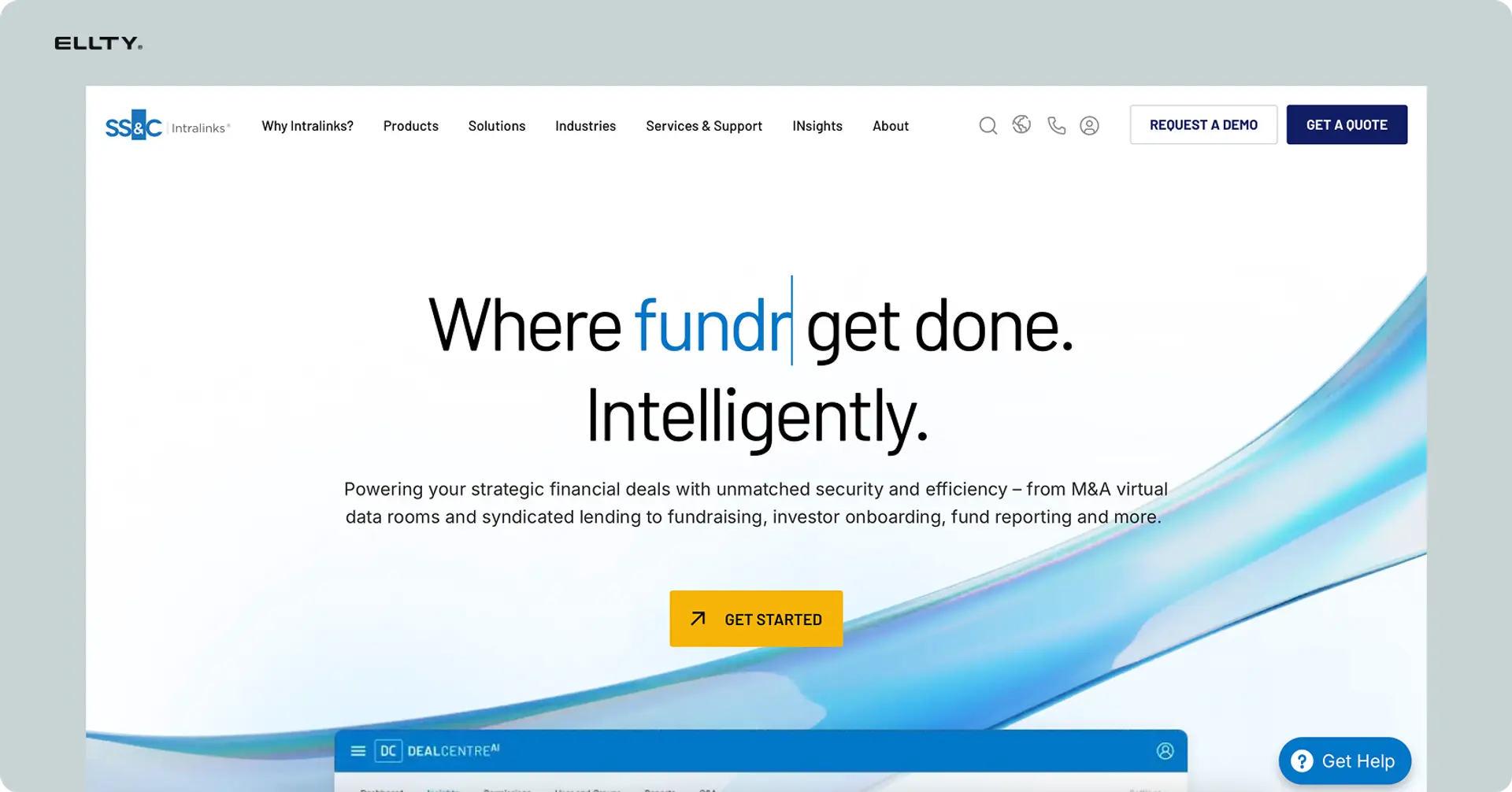
Intralinks is one of the oldest and most established VDR platforms in the market. It was built specifically for enterprise M&A and large-scale transactions, and that heritage shows in both its feature depth and its price tag. Pricing is custom and typically lands in the higher end of the market.
The platform offers a full M&A feature set - deep compliance tools, document redaction, advanced permission structures, and strong international security certifications. For bulge-bracket deals involving multiple legal jurisdictions, cross-border buyers, or highly sensitive IP, Intralinks has the infrastructure to handle it.
The tradeoffs are real though. Setup is complex, the interface feels dated compared to modern platforms, and the cost makes it impractical for anything outside of large, high-value transactions. For early-stage companies, small teams, or shorter deals, it's significantly more than what's needed.
Datasite

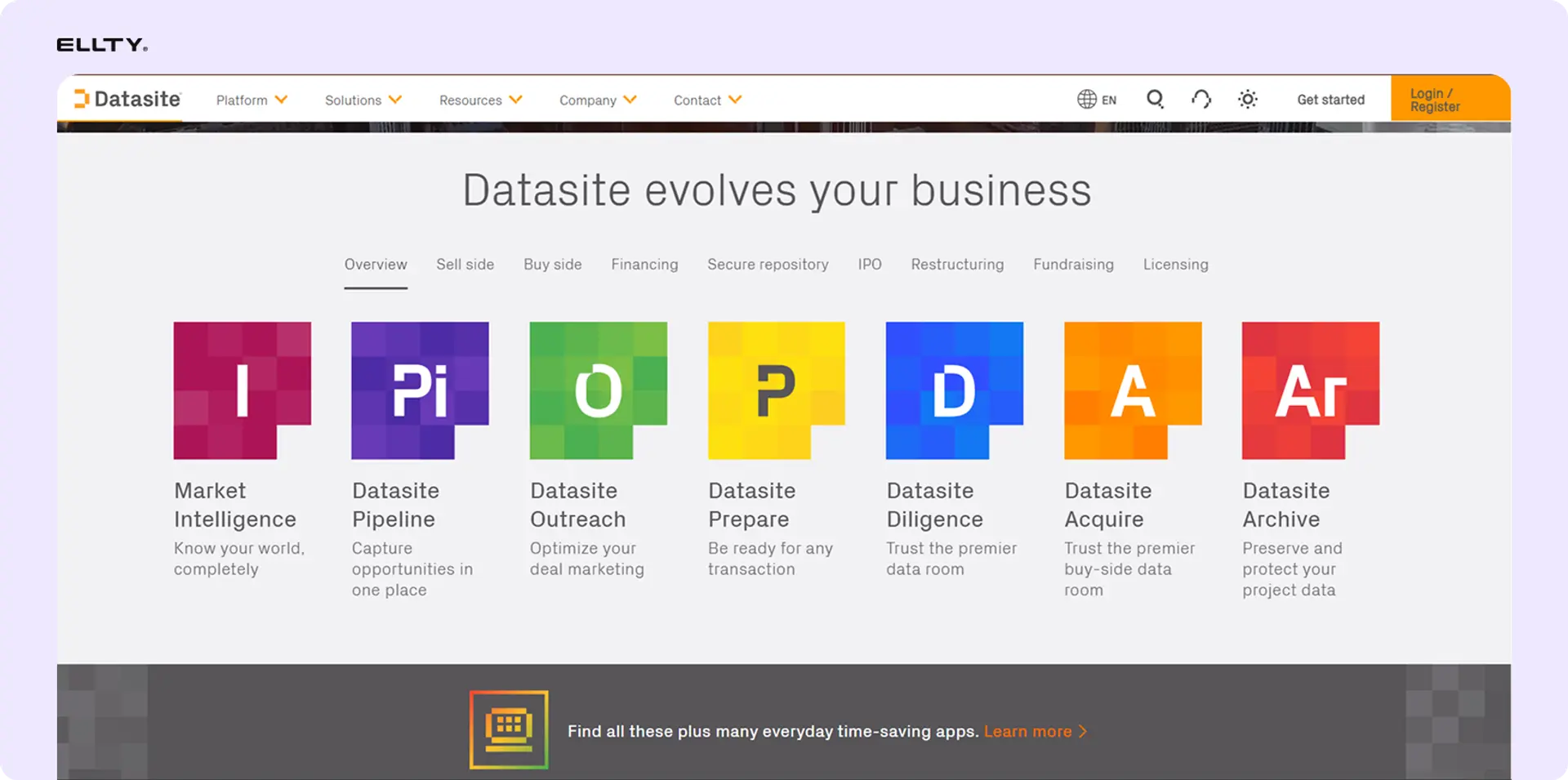
Datasite is built for large M&A deals and IPO processes - situations where you're managing multiple bidders, large document volumes, and complex workflows simultaneously. Like Intralinks, it targets the enterprise end of the market, and pricing reflects that. Exact costs aren't publicly disclosed and are quoted based on deal specifics.
The platform's standout feature is AI-assisted redaction, which automatically identifies and masks sensitive information across large document sets - a significant time saver in complex due diligence. It also includes Q&A management tools and multi-bidder access controls, making it well suited for competitive auction processes.
Datasite wasn't designed for startups or smaller teams, and it shows in both the pricing model and the onboarding experience. If you're a founder, a consultant, or a small real estate firm, this is more platform than you need. It earns its place in large, structured transactions where the deal complexity justifies the cost.
Firmex
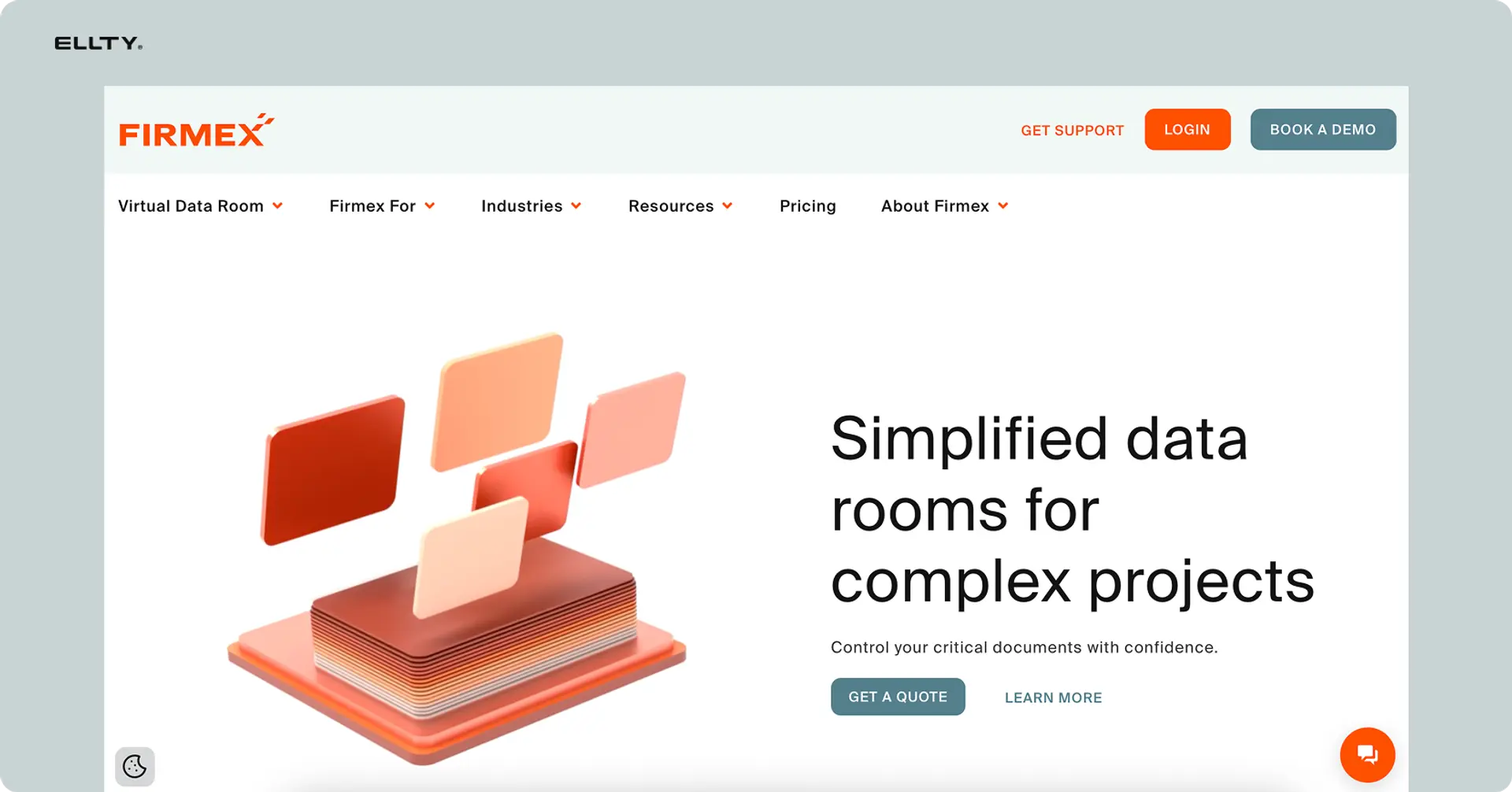
Firmex is a mid-market VDR platform with a strong track record in M&A and legal work. It sits in the space between consumer-friendly tools and full enterprise platforms - more capable than lighter options, but without the extreme pricing or complexity of Intralinks or Datasite. Pricing starts at around $500/month.
The platform is known for strong permission controls, detailed audit logs, and legal workflow tools that make it a natural fit for law firms and compliance-heavy industries. Document organization is clean, bulk upload works well, and the Q&A module handles information requests without requiring everything to go through email.
The main drawbacks are a less modern interface compared to newer platforms, and an onboarding process that takes more time to get right. For mid-market M&A, legal due diligence, or regulated industry transactions where thoroughness matters more than speed of setup, Firmex is a solid and reliable choice.
Digify


Digify sits in a practical middle ground - more secure than everyday tools like Google Drive or Dropbox, more affordable than traditional VDR platforms. It's a good fit for small and medium-sized businesses that need real document security without going through an enterprise procurement process. Pricing starts at $50/month.
Core features include document tracking, watermarking, access expiry, and self-destruct links - which means you can set documents to automatically become inaccessible after a certain date or number of views. That last feature is particularly useful when sharing materials with parties who may not need ongoing access after a deal closes or a proposal is reviewed.
Where Digify falls short is in more advanced VDR-specific functionality. Group permissions, multi-folder structures, and the kind of granular access controls you'd want in a formal due diligence process are either limited or absent. It's a strong document security tool, just not a full data room platform.
DocSend

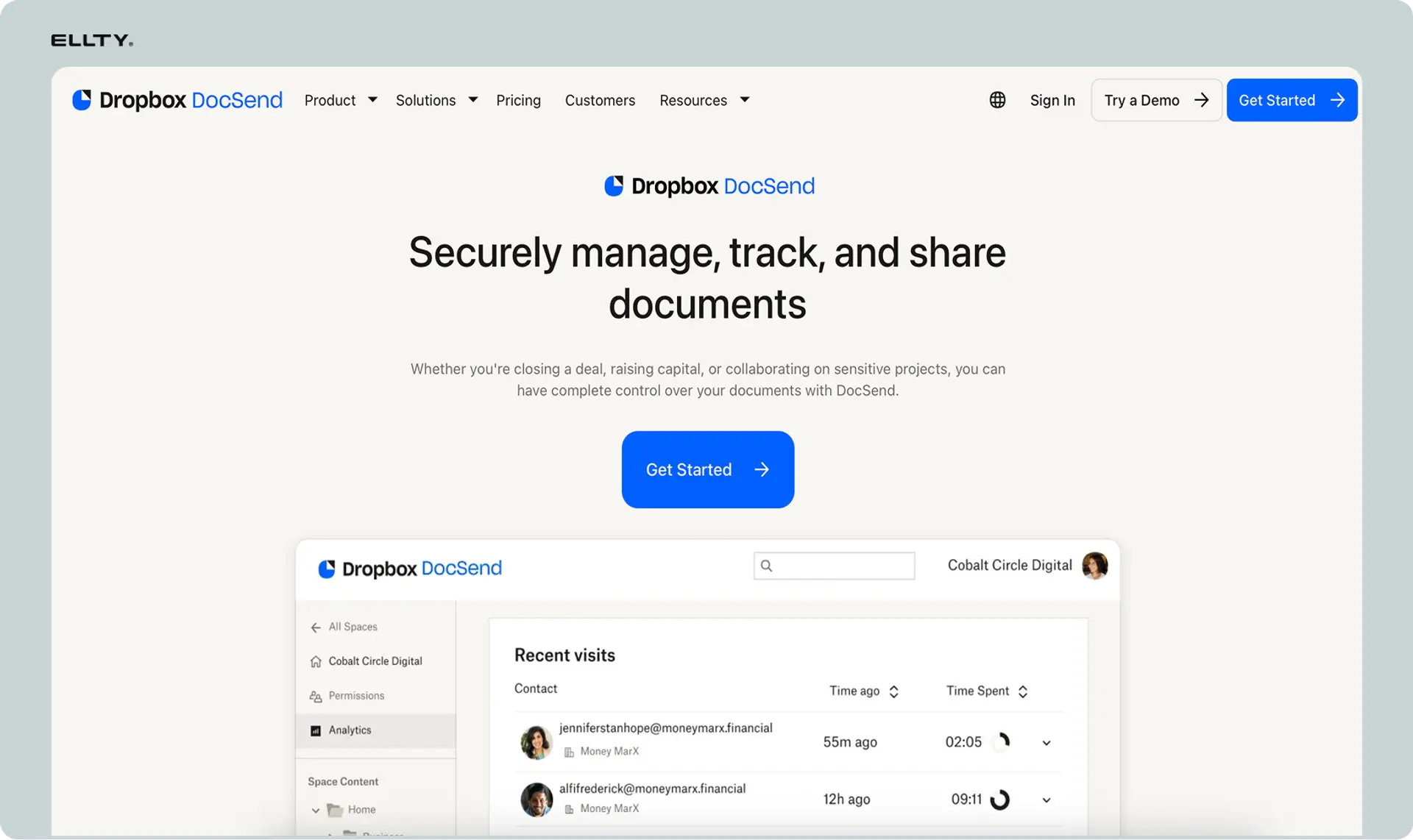
DocSend built its reputation as the go-to tool for pitch deck sharing and tracking. Founders use it to send decks to investors and see exactly which slides got attention, which were skipped, and how long each page was viewed. That core analytics experience is genuinely strong, and it's why DocSend became so embedded in the startup fundraising workflow. Pricing starts at $45/month.
Data room functionality was added later, and that history shows. NDA gating and basic access controls are available, but the platform's architecture is fundamentally built around single-document sharing rather than multi-folder due diligence environments. It works reasonably well for early-stage fundraising where you're sharing a handful of documents, but starts to feel limited in a more structured diligence process.
For teams whose primary need is pitch deck analytics with some light data room capability layered on, DocSend makes sense. For anyone running a proper document review process across a large number of files and stakeholders, a purpose-built VDR will serve better.
Ansarada


Ansarada is a professional VDR platform built around the concept of deal readiness. It's used in M&A, infrastructure deals, and other structured transactions where the process is formal and the stakes are high. Pricing starts at $399/month but can climb quickly as deal complexity increases.
The platform's standout features are its AI deal scoring, which flags gaps in your data room and tells you how prepared you are for diligence, along with built-in Q&A management and compliance workflow tools. For situations where multiple parties are submitting information requests simultaneously, these features save meaningful time.
The honest limitation is that Ansarada is built for complexity, and if your deal isn't complex, you'll be paying for tools you don't use. The pricing jumps significantly as you add features or users, and the learning curve is steeper than more modern, lightweight platforms. For straightforward document sharing or smaller transactions, it's more platform than the situation calls for.
The right choice depends heavily on what you're doing. For a Series A raise with two to three investors in due diligence at once, you don't need Intralinks. For a 12-bidder M&A process, Ellty isn't the right tool either. Match the platform to the complexity of your deal.
Security standards to look for in a VDR
Security is where you can't cut corners. When evaluating any VDR, ask about these specifically:


Always ask a vendor for their security documentation, not just their marketing page. If they can't produce it quickly, that's an answer.
Virtual data room vs. free alternatives
Businesses often ask whether they really need a VDR or if existing tools can cover it. Here's the honest comparison:


For very early conversations - a quick intro call, sharing a teaser deck - Google Drive or a DocSend link works fine. The moment serious due diligence starts, you want purpose-built tools with proper controls and a real audit trail.
How virtual data room pricing works
VDR pricing models vary more than most software. Watch for these structures:
Per-user pricing
You pay per person who has access. Common in enterprise tools. Gets expensive fast when you're sharing with 10+ visitors. A deal room with 20 viewers at $30 per user is $600/month just for access.
Per-page or per-document pricing
Some older VDR providers charge by the number of pages uploaded. Rare now, but still exists. Add 500 pages to your financial model and your bill suddenly changes.
Flat monthly plans
More common in modern platforms. You pay a fixed amount regardless of how many viewers access the room. Ellty uses flat pricing - the Data Room plan at $149/month includes 3 admin users but unlimited visitors, which is usually what businesses need.
Enterprise custom pricing
Intralinks, Datasite, and similar platforms don't publish pricing. You go through a sales process and get a custom quote based on deal size, duration, and storage. Expect to spend well above $1,000/month for any serious M&A process.
For most companies, flat-plan providers hit the right balance of features and cost. You don't need enterprise infrastructure for a two-month due diligence process with three investors.
Common data room mistakes teams make
Mistakes show up repeatedly. Avoid them.
One link for everyone
If you send the same data room link to every visitor, you lose the ability to track engagement per firm and revoke access individually. Always create a unique link per recipient.
No access controls on the cap table
The cap table is one of the most sensitive documents in your company. It should be view-only with no download rights by default. Review who has access before you share.
Uploading too early
Some teams share the data room link before they're ready - missing documents, broken folders, placeholder files. Viewers notice. Get the room 80% ready before you share.
Not testing as a guest
Always test the experience as a guest user before sending. Check that every permission works as intended and every document renders cleanly.
Ignoring analytics
The analytics are there for a reason. If a viewer spent 2 seconds on your financials, something is wrong. If they keep returning to one specific document, that tells you what's driving their decision. Read the data before every follow-up call.
No notification setup
Real-time notifications let you follow up when a viewer is actively engaged - not two weeks later when they've moved on. Turn them on.


Frequently asked questions
What is the difference between a virtual data room and cloud storage?
Cloud storage tools like Google Drive or Dropbox let you store and share files, but they don't offer document-level analytics, NDA gating, dynamic watermarking, audit logs, or the ability to create unique trackable links per viewer. A VDR is purpose-built for controlled document sharing in transactions, where you need a full record of who saw what and when.
What are the most important virtual data room features for M&A?
For M&A, the non-negotiables are: granular user permissions (folder and document level), group access management for multiple buyer parties, full audit logs, NDA gating before entry, dynamic watermarking, Q&A module for structured communication, and bulk document management. The volume and complexity of M&A deals makes enterprise-grade access control more critical.
How long does it take to set up a virtual data room?
With a modern platform such as Ellty, the technical setup takes under 30 minutes. The real time investment is gathering and organizing your documents. If you already have your documents organized in folders, expect an hour or two to upload, label, and set permissions correctly. The first time always takes longer - subsequent raises will be faster because you can duplicate the structure.
Can visitors download documents from a virtual data room?
Only if you allow it. Most VDRs let you set permissions at the document or folder level - view-only, download allowed, or print allowed. For sensitive documents like your cap table or proprietary financial model, set them to view-only. For documents visitors need to reference offline - like your pitch deck - download rights are usually fine.
Do I need an NDA before sharing a data room?
For early-stage conversations, many teams don't require an NDA for the initial deck. But for a serious data room with financial models, customer contracts, and legal documents, NDA gating is standard practice. It creates a legal record, signals professionalism, and ensures only serious reviewers get access. Most VDR platforms let you automate this - visitors sign before they enter.
What analytics does a virtual data room provide?
Good VDRs track: who accessed the room and when, which documents were opened, time spent on each document, page-by-page engagement (which pages were read, which were skipped), how many times a document was viewed, and whether documents were downloaded or printed. For pitch deck sharing specifically, page-level analytics tell you where visitor attention is focused and where you might be losing them.
How much does a virtual data room cost?
It ranges widely. Modern platforms designed for SMBs typically run from free (limited features) to $50-$400/month for full-featured plans. Enterprise M&A platforms like Intralinks or Datasite use custom pricing that can run into thousands of dollars per month for large transactions. Ellty Data Room plan starts at $149/month and includes features like NDA gating, granular permissions, and dynamic watermarking - without per-user fees for visitors.
Is a virtual data room secure?
A well-built VDR is significantly more secure than email or basic cloud storage for sensitive documents. Look for AES-256 encryption at rest, TLS encryption in transit, two-factor authentication, SOC 2 Type II certification, and GDPR compliance if you're dealing with EU parties. That said, security is only as strong as your access control setup - make sure you're setting permissions correctly and not giving broader access than necessary.
The bottom line
A virtual data room isn't a nice-to-have. It's infrastructure for fundraising, for deals, for client work, for any situation where sensitive documents need to move between people who need to trust each other.
The way you organize and protect your documents says something. An investor forming an opinion about a founder, a buyer evaluating a seller, a client assessing a consultant - they're all reading signals beyond the content itself. A well-structured, properly secured data room says you run a tight operation. A folder full of files named copy_of_final_v2_ACTUAL.pdf says something else.
The features that matter most depend on what you're doing and how complex it is:
- Early stage fundraising or simple deals: Trackable links, page-level analytics, and basic access controls get you most of the way there.
- Series B and beyond, or formal M&A: You need NDA gating, full audit logs, dynamic watermarking, and group-level permissions.
- Real estate and legal transactions: Document versioning, access expiry, and a clean audit trail matter most.
- Consulting and client work: Professional presentation, download controls, and visibility into whether your deliverables are actually being read.
Don't over-engineer it for your situation. A founder doing a $2M seed round doesn't need Intralinks. A company closing a $50M acquisition doesn't belong on a shared Dropbox folder. A consultant sending a strategy report to a client shouldn't rely on a Notion page with a public link.
Find the platform that fits the complexity of what you're doing. Set it up properly. Use the analytics. Follow up on what you actually know, not what you're guessing.
The deal, the close, the engagement - it's never just about the numbers or the documents themselves. It's about how you present everything around them.
Author

Anika Tabassum Nionta is a Content Manager at Ellty, where she writes about secure document sharing, virtual data rooms, M&A, due diligence, fundraising, and sales enablement. With over 6 years of writing experience, she helps professionals understand how to share confidential documents securely, track engagement, and manage deals more effectively. Anika holds both a BA and MA in English from Dhaka University. Outside of work, she enjoys reading, exploring new cafes in Dhaka, and connecting with entrepreneurs and dealmakers in her community.

