
You're in the middle of a sensitive process - a deal, a fundraise, an acquisition, a client engagement. Someone needs access to your financials, contracts, or legal documents. The fastest move is to drop everything in Google Drive and share the folder.
Plenty of people do exactly this. And in many situations, it works fine.
But at some point, "drop it in Drive" stops being good enough. You need to know who viewed what, control what they can download, and make sure nothing leaks before the process is done. That matters whether you're a founder sharing investor materials, an M&A advisor managing a deal, a consultant handing off sensitive deliverables, or a real estate firm running a transaction.
That's where a virtual data room comes in.
This guide explains what both tools actually do, where each one falls short, how to set up a data room in Google Drive if you're not ready to pay for one, and what a purpose-built tool like Ellty offers instead.
No fluff. Just what you need to make the right call.
What is a virtual data room?

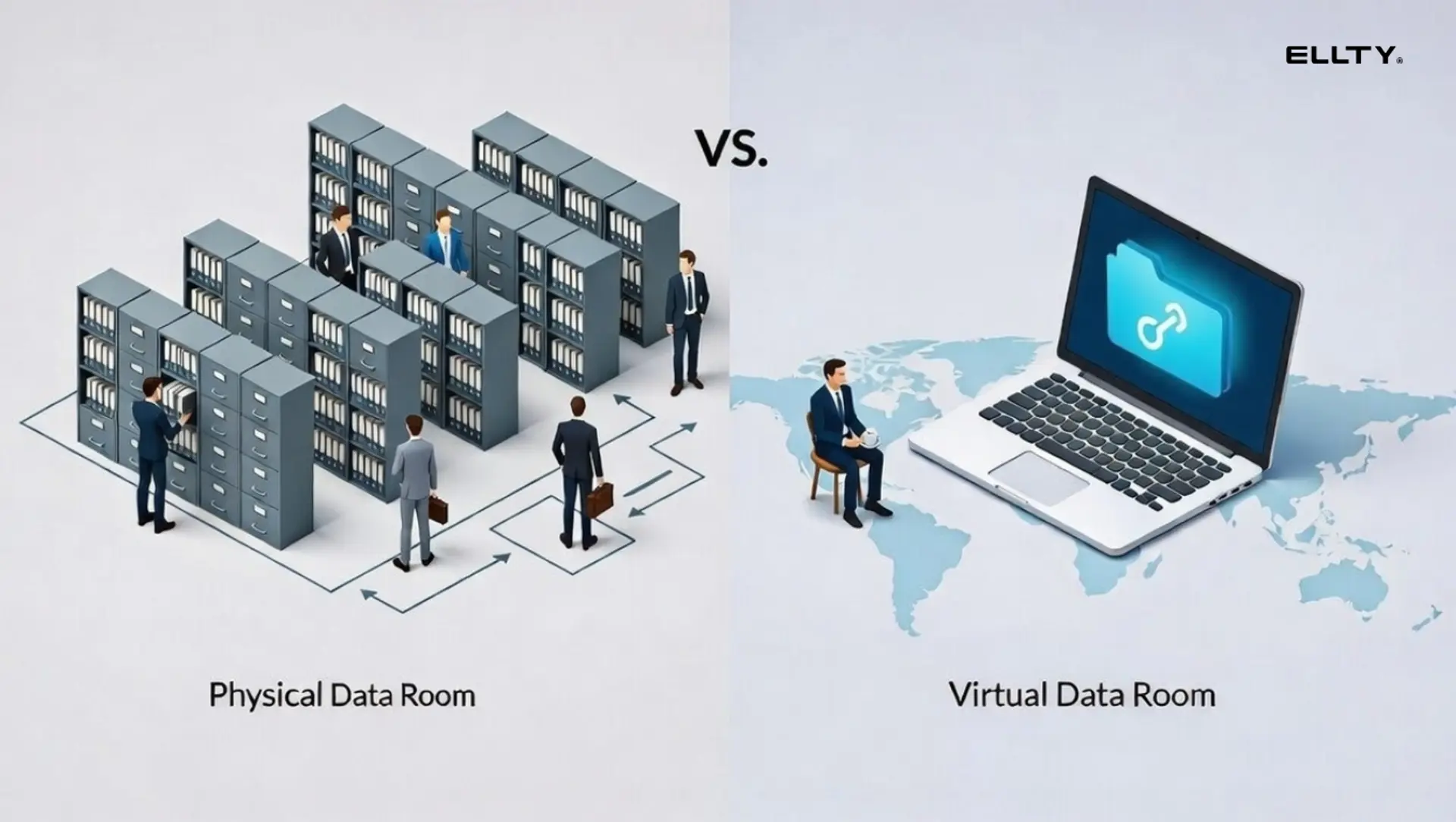
A virtual data room (VDR) is a secure online space built specifically for sharing sensitive documents with multiple external parties - investors, acquirers, lawyers, auditors.
It's not just file storage. The whole point is control and visibility.
A proper virtual data room gives you:
- Granular permissions: decide who sees which documents, who can download, who can only view
- Document-level tracking: see exactly who opened what, how long they spent on each page, and how many times they came back
- Audit logs: a timestamped record of every action taken inside the room
- Watermarking: dynamically stamp documents with the viewer's email so you can trace leaks
- NDA gating: require visitors to sign an NDA before they can see anything
- Access revocation: remove someone's access instantly, even after they've downloaded a link
These features exist because the stakes are high. You're sharing your financials, IP, contracts, and employee data with people who haven't signed the deal yet.


What is Google Drive?

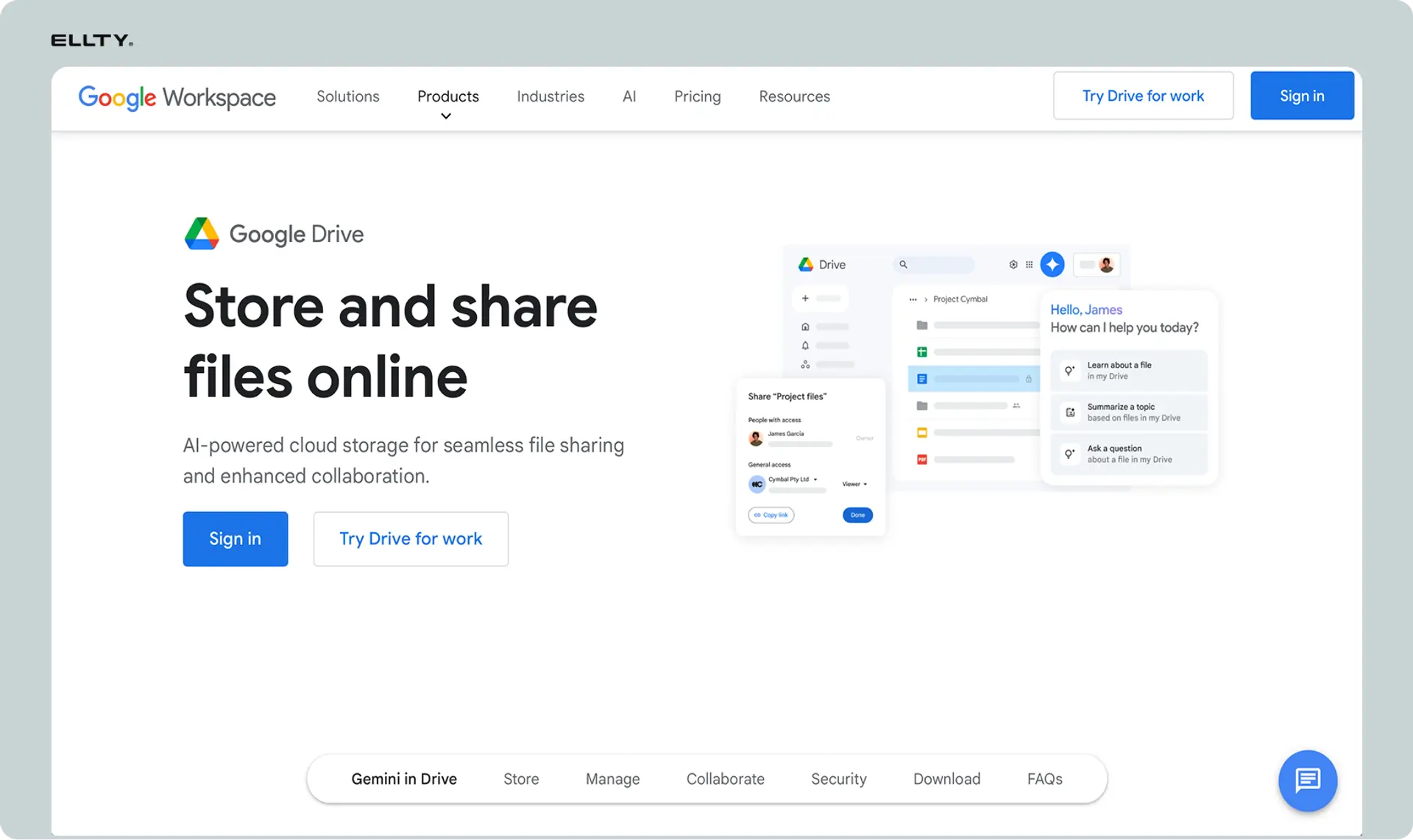
Google Drive is a cloud storage and collaboration tool. It's part of Google Workspace and it's what most people use every day to store and share files.
It's excellent at what it's built for: collaboration, file storage, real-time editing, and simple sharing.
What it's not built for: controlled, tracked, secure document sharing with external parties during sensitive transactions.
Google Drive gives you:
- File and folder storage
- Basic sharing (view, comment, edit)
- Link-based access
- Version history
- Real-time collaboration on Google Docs, Sheets, and Slides
What it doesn't give you: document-level analytics, per-page view tracking, watermarking, NDA enforcement, audit logs, or any real visibility into what an investor actually looked at.
Google Drive pricing (2026)
Every Google account starts with 15 GB free. Business plans are part of Google Workspace and priced per user per month.


Note: Shared Drives (important for team use) are only available from Business Standard upward, not on the Starter plan.
Virtual data room vs Google Drive: the core differences
Here's the honest breakdown.


The gap isn't just features. It's intent. Google Drive is built for teams working together. A virtual data room is built for controlled access by external parties who shouldn't be collaborating - they should be reviewing.
Can you use Google Drive as a data room?
Yes. Many companies do.
Here's how to create a data room in Google Drive that's actually organized:
Step 1: Create a main folder
Name it clearly: "Your Company - Investor Data Room" or something similar.
Step 2: Build a folder structure
A typical layout looks like this:
Investor Data Room/
├── 01 - Company overview
│ ├── Pitch deck
│ └── One-pager
├── 02 - Financials
│ ├── P&L (last 3 years)
│ ├── Balance sheet
│ └── Financial projections
├── 03 - Legal
│ ├── Cap table
│ ├── Certificate of incorporation
│ └── Shareholder agreements
├── 04 - Team
│ └── Org chart / team bios
└── 05 - Product
├── Product roadmap
└── Key metrics
Step 3: Set permissions correctly
Right-click the main folder > Share > change from "Anyone with the link" to "Restricted." Add each viewer's email individually and set them as "Viewer" not "Editor."
Step 4: Share the folder
Send the link directly to recipients. They'll need a Google account to access it.
This works. It's free, it's fast, and most recipients know how to navigate it.
But here's what you're missing when you do this:
You have no idea if anyone opened anything. You don't know if your document was viewed for 30 seconds or 30 minutes. You don't know if the link got forwarded to someone you never authorized. You can't watermark files. You can't require an NDA before someone gets in. You can't revoke access to a single document without rebuilding your permissions from scratch.
For casual, low-stakes sharing? Fine. For anything confidential - a deal, a transaction, sensitive client work - it starts showing its cracks.
When Google Drive is good enough
Don't upgrade to a paid tool just because you think you should. Google Drive is genuinely the right call in plenty of situations:
The process is simple and early-stage.
Early conversations often don't need enterprise security. A clean, organized Drive folder gets the job done without overcomplicating things.
You're sharing non-sensitive materials.
Marketing decks, team bios, product overviews, general company information - none of this needs strict access controls or audit trails.
You're sharing with a small, trusted group.
If two or three people you know personally need access, you probably don't need watermarking and NDA gating.
Speed matters more than control right now.
Drive takes five minutes to set up. If you're moving fast and the stakes are low, use it.
Budget is tight.
Free is free. A paid VDR makes sense when the process justifies it, not before.
When you need a virtual data room instead
There's a clear point where Google Drive stops being adequate:
You're sharing genuinely confidential documents. Financials, contracts, legal agreements, IP documentation, employee records - these need controlled access, not an open folder link that can be forwarded to anyone.
Multiple parties are reviewing at the same time. Knowing who's engaged and who isn't changes how you manage the process. Whether that's investors, buyers, or clients - visibility matters when multiple groups are involved simultaneously.
You're in a deal process. M&A discussions, fundraising rounds, partnership negotiations - anyone serious about a transaction expects a proper data room. It signals you're running a professional process.
You need to revoke access fast. If a deal falls through or a relationship sours, you need to cut access immediately and cleanly. With a shared Drive link, you can never be fully sure who cached or forwarded something before you caught it.
NDAs are required before viewing. You can't enforce an NDA through a Google Drive link. A VDR with NDA gating handles this automatically - nobody gets in until they've agreed.
You need a legal record. In M&A, real estate, legal, and regulated industries, knowing exactly who accessed which document and when isn't just useful - it's often necessary. Google Drive doesn't give you that.
What does a free virtual data room actually offer?
Free virtual data room is a term that gets thrown around a lot. Let's be specific about what free actually means.
Most tools offer a free tier with limited features, usually enough to test the product or handle very early-stage sharing. Ellty has a free plan that includes document tracking, real-time analytics, and secure sharing. That's not nothing. You can track who viewed your pitch deck and which pages they spent time on, at no cost.
Compare that to Google Drive's free tier: storage, basic sharing, zero tracking.
If you need more than basic tracking - things like data rooms with granular permissions, NDA gating, and watermarking - that's where paid plans start making sense.
Ellty pricing vs Google Drive
Here's how the numbers stack up for a business evaluating their options.


The key difference: Google Drive pricing scales with users but never adds document analytics. Ellty pricing scales with features, and there are no per-user fees.
If you're a 5-person team using Business Standard for email and Drive, you're paying $60/month. You're still getting zero visibility into how viewers engage with your documents.
Ellty free plan gives you that visibility from day one.
Security: Google Drive vs virtual data room
Both tools are secure in the standard sense. Neither will randomly expose your files. But they handle security very differently.
Google Drive security:
- Files encrypted at rest and in transit
- Two-factor authentication available
- Admin controls on Google Workspace
- No document-level access logging
- No way to prevent someone from downloading and resharing
- Sharing links can be forwarded to unauthorized parties
Virtual data room security:
- All of the above, plus:
- Dynamic watermarking that embeds viewer identity in every page
- NDA enforcement before access is granted
- Granular permissions per document, not just per folder
- Full audit trail of every action
- Instant access revocation
- Restricted downloads and print controls
The practical difference: Google Drive tells you a file exists and was shared. A virtual data room tells you who read page 8 of your cap table at 11pm on a Tuesday.
For anything where you need to prove who saw what and when - legal proceedings, investor disputes, M&A - a virtual data room gives you the paper trail. Google Drive doesn't.
Document analytics: the real gap
This is where the difference becomes obvious.
With Google Drive, you share a link and hope for the best. You don't know if anyone clicked it. You don't know if the document was read cover to cover or closed after the first page. Once it leaves your hands, you're in the dark.
With a virtual data room like Ellty, you see exactly what happens after you hit send - who viewed each document, which pages they spent the most time on, how many times they came back, whether access was passed to someone you didn't authorize, and real-time notifications the moment someone opens your room.
That visibility changes how you work. You stop guessing and start making decisions based on what's actually happening.

That data matters. If a viewer has looked at your financials three times in the past week but hasn't responded to your follow-up email, you know they're still interested. If they opened once and never returned, that tells you something too.
You can't get any of this from Google Drive. A "view" in Drive just means someone opened the file preview, it doesn't tell you anything useful.
How to decide: a simple framework
Use this to make the call quickly.
Use Google Drive if:
- The process is early-stage and informal
- You're sharing non-sensitive materials like overviews or marketing decks
- You're sharing with a small group of people you already know and trust
- You need something live today with zero setup
- Budget is genuinely tight right now
Use Ellty free if:
- You want to know if someone actually opened what you sent
- You're starting to share documents with people you don't know well
- You want real-time notifications when someone views your files
- You want basic analytics without paying anything
Use Ellty Standard ($69/month) if:
- You're sharing documents regularly and want advanced engagement analytics
- You need eSignatures, custom branding, and organized data rooms
- You want one tool that handles sharing, tracking, and signatures together
Use Ellty Data Room ($149/month) if:
- You're in active due diligence and need real access controls
- You need NDA gating before anyone can view your documents
- Watermarking and granular permissions matter for what you're sharing
- You're running a structured, professional process with multiple parties
Use an enterprise VDR (iDeals, Datasite, Intralinks) if:
- You're in a complex M&A transaction with dozens of parties and thousands of documents
- You need ISO 27001 or SOC 2 compliance certifications
- Your counterparties are major institutions with specific platform requirements
- The platform cost is immaterial compared to the deal size and advisor fees involved
Ellty won't replace an enterprise VDR for a $100M acquisition. But for most deal processes - fundraising rounds, early-stage M&A, consulting engagements, real estate transactions, and anything in between - it covers what you need at a price that actually makes sense.
Setting up a data room with Ellty
Unlike enterprise VDRs that require sales calls and implementation support, Ellty is self-serve. You can have a data room live in under an hour.
The basic flow:
- Sign up - free, no credit card needed
- Create a data room and name it
- Upload your documents - pitch deck, financials, legal docs
- Set permissions: who can view, who can download, who needs to sign an NDA first
- Create trackable links for each group
- Share the links and watch the analytics come in
Real-time notifications tell you the moment someone opens your room. The analytics dashboard shows page-by-page engagement so you can follow up when interest is highest.
That's the workflow. No project manager required.


The honest verdict
Google Drive is a good tool. It's not a bad choice - it's just the wrong tool once you need more than basic file sharing.
A virtual data room isn't automatically better than Google Drive. It's better for a specific job: controlled, trackable, secure document sharing during high-stakes processes.
For most businesses, the smart path is: start on Ellty free plan the moment you're sending documents to recipients you don't know well. You get real analytics at zero cost. If you need more controls as your raise progresses, the paid plans are straightforward.
You don't need to pick a $500/month enterprise tool for a seed round. But you do need more than Google Drive once real money is on the line.
Try Ellty before you need it
Most people wait until they're already deep into a process to think about document tracking. By then, you've already lost visibility on everything that happened before you set it up.
Get Ellty running before you start sharing documents. From the first file you send, you'll know who opened it, how long they spent, and where they dropped off. That information shapes how you follow up, what you prepare for, and who deserves your attention.
No setup fees. No per-user pricing. No sales call required. Start on the free plan and upgrade if your needs grow.
FAQ
Is Google Drive a virtual data room?
No. Google Drive is a cloud storage and collaboration tool. A virtual data room is a purpose-built platform for secure, trackable document sharing during sensitive transactions. Google Drive doesn't offer document-level analytics, watermarking, NDA enforcement, or audit logs - all standard features in a real VDR.
Can I use Google Drive for due diligence?
You can, and many do. It works for simple document sharing. But it's missing features that matter in serious due diligence: you won't know who viewed what, you can't watermark documents, you can't enforce NDAs, and you can't revoke access to specific files instantly. For seed rounds with angels, it may be fine. For institutional investors or M&A, it's not appropriate.
How do I create a data room in Google Drive?
Create a main folder, build a logical subfolder structure (company overview, financials, legal, team, product), set permissions to "Restricted," add each viewer by email as "Viewer" only, and share the folder link. This gives you basic organized document sharing but no analytics, watermarking, or advanced controls.
What's the difference between a data room and a Google Drive folder?
A Google Drive folder is storage with basic permissions. A data room adds: per-page view analytics, time-spent tracking, viewer identity logging, dynamic watermarking, NDA enforcement, audit trails, and instant access revocation. The practical difference is visibility and control over who accesses your sensitive materials.
Is there a free virtual data room?
Yes. Ellty offers a free plan with document tracking, real-time analytics, and secure sharing - features you don't get from Google Drive's free tier. Papermark also has a free tier. Free plans from VDR providers typically have limitations on advanced features like watermarking and NDA gating, which start on paid plans.
How much does a virtual data room cost?
It depends on your needs. Ellty starts free, with paid plans at $69/month (Standard), $149/month (Data Room), and $349/month (Data Room Plus). Mid-market VDRs like Firmex start around $399/month. Enterprise tools like Datasite and Intralinks typically start at $1,000-3,000/month with total deal costs of $10,000-50,000+. For most businesses, the $69-149/month range covers what you actually need.
What is a "google data room"?
There's no official product called a "Google data room." The term usually refers to using Google Drive as a makeshift data room by creating a structured shared folder. Google doesn't offer a purpose-built virtual data room product. If you need actual VDR features, you need a dedicated tool.
Does Google Drive have document analytics?
No. Google Drive shows you who has "access" to a file and gives you version history, but it doesn't tell you if someone actually opened a document, how long they spent on each page, or how many times they returned. That level of tracking requires a dedicated document sharing platform with analytics.
When should a startup use a virtual data room vs Google Drive?
Use Google Drive for early-stage, non-sensitive sharing with people you know. Switch to VDR when you're sharing real due diligence materials (financials, legal docs, cap table) with external recipients you don't know well, when you need to track engagement, or when you're in a formal M&A or fundraising process where a professional setup is expected.
What security does a virtual data room offer that Google Drive doesn't?
The main additions are: dynamic watermarking (embeds the viewer's email on every page), NDA enforcement before access, per-document permission controls (not just per-folder), full audit logs showing every action taken, restricted downloading and printing, and instant access revocation at the document level. Google Drive has standard cloud security but none of these deal-specific controls.
Can investors tell if you're using Google Drive vs a virtual data room?
Usually yes. A Google Drive folder looks like a Drive folder. A purpose-built data room has a structured interface, branding options, and a more professional presentation. At early stage this rarely matters. At Series A and beyond, using a proper data room signals you're running an organized process - which some investors notice and appreciate.
Author

Anika Tabassum Nionta is a Content Manager at Ellty, where she writes about secure document sharing, virtual data rooms, M&A, due diligence, fundraising, and sales enablement. With over 6 years of writing experience, she helps professionals understand how to share confidential documents securely, track engagement, and manage deals more effectively. Anika holds both a BA and MA in English from Dhaka University. Outside of work, she enjoys reading, exploring new cafes in Dhaka, and connecting with entrepreneurs and dealmakers in her community.

