
You need to share important documents with someone on the other side of a deal. So you send a Google Drive link.
It works. But it doesn't look great. And it tells you nothing about who opened what, which files they spent time on, or whether they've even looked at anything yet.
A branded virtual data room fixes all of that. It gives you a secure, professional space to share documents - with your logo on it, controlled access for each person, and clear analytics showing you exactly who's paying attention and what they care about.
It doesn't matter whether you're a startup raising a round, a business being acquired, a consultant delivering a report, or a real estate broker managing a property sale. Anyone who shares sensitive documents with outside parties deserves better than a shared folder and a prayer.
This guide covers what a branded data room actually is, when you need one, what to look for in a tool, and how to get started without overcomplicating it.


What is a branded virtual data room?

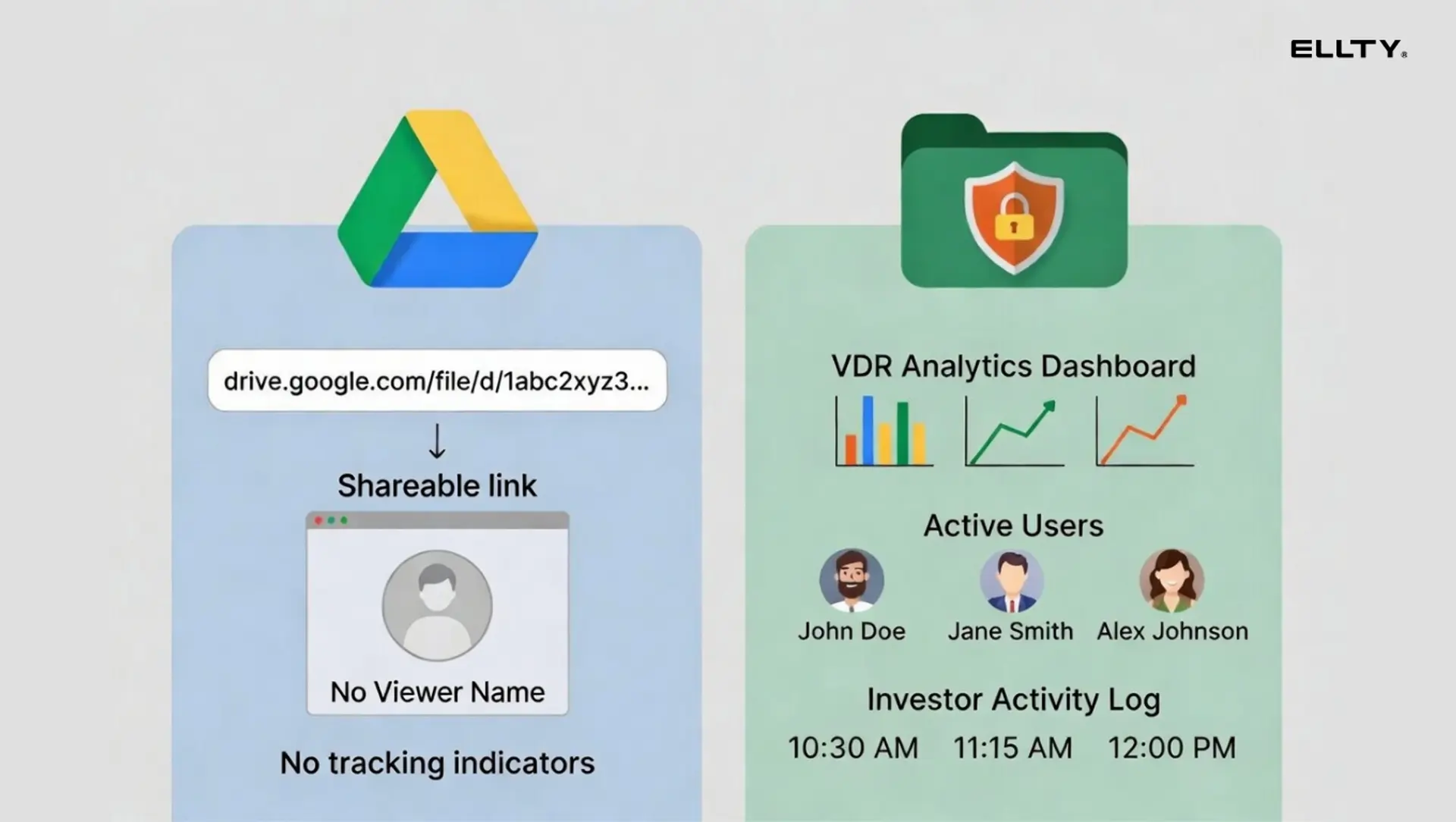
A virtual data room (VDR) is a secure online space where you can store, organize, and share confidential documents with investors, acquirers, or legal teams.
A branded virtual data room takes that a step further. It lets you apply your own logo, colors, and domain to the experience - so when a recipient opens your data room, they see your brand, not the software vendor's.
That's the core definition. But in practice, branding is usually bundled with other features that matter more:
- Trackable links that show who accessed what
- Page-level analytics (which slides got the most time)
- Access controls and NDA gating
- Dynamic watermarking on documents
- Expiry dates and link revocation
The branding makes it look professional. The analytics and controls make it actually useful.


Why branding in a data room actually matters
You might think branding is just cosmetic. It's not entirely.
It builds trust
The person on the other side - whether that's an investor, a buyer, a client, or a partner - is evaluating you before they even open a single document. A data room with your logo, a clean interface, and a custom domain signals that you take this seriously. A bare Google Drive link signals the opposite.
First impressions in a deal happen fast. Your data room is often one of them.
It keeps people in your world
When someone opens a generic file-sharing link, they're in Google's world or Dropbox's world. When they open a branded portal, they're in yours. The logo, the colors, the professional layout - it all quietly reinforces who you are while they're going through your documents. That matters more than it sounds, especially when you're competing for attention.
It gives you better analytics
A trackable, branded link gives you real data. You can see exactly who opened the room, which documents they spent the most time on, and when they came back for a second look. That kind of intelligence is valuable in almost any deal - fundraising, M&A, a client proposal, or a partnership negotiation. Knowing what someone actually looked at tells you a lot about where their head is.
It's not just about looks
NDA gating, watermarking, access revocation, and permission controls aren't branding features but they usually come together in the same tool. When you set up a proper branded data room, you're also getting the security layer that sensitive documents actually need.
For a startup sharing financials, a consultant sharing proprietary research, a broker sharing property records, or a law firm managing a transaction - that security isn't optional. It's the whole point.
Free data rooms: what's actually available
You don't always need to pay. Here's an honest look at what free or near-free options give you.
Google Drive / Dropbox
Free, fast to set up, and everyone knows how to use them. But you get no analytics, no branding, no access controls, and no NDA gating. Fine for very early conversations - not suitable for serious due diligence.
DocSend free tier
DocSend is purpose-built for document sharing and offers basic analytics. The free tier is limited. For companies who need more, paid plans start at $15/month per seat, but costs scale quickly as your team grows.
Ellty free plan
Ellty free plan gives you document tracking, real-time analytics, and secure sharing at no cost. You don't get custom branding on the free tier - that starts on the Standard plan at $69/month. But you do get real analytics: who viewed, which pages, how long. That's genuinely useful for a pitch deck share even before you need a full data room.
If you're sharing a handful of files with people you trust completely, a Google Drive folder might work. But the moment you need to track access, control permissions, protect sensitive information, or look professional in front of a client or counterparty - you need something purpose-built. That's exactly what Ellty is made for.
Key features to look for in a branded data room
Not all data rooms are built the same. Here's what actually matters and what you should verify before committing:
Custom branding
This means: your logo on the access portal, email notifications sent with your branding, and ideally a custom domain (so viewers see your-company.com/dataroom, not dataroom-vendor.com/xyz).
Verify: some providers offer logo upload only. Others offer full white-labeling including domain. Know what you're actually getting.
Trackable links with analytics
You should be able to see: who opened your documents, when, for how long, and which pages they spent time on. Page-level analytics are especially useful for pitch decks - if a recipient spent 4 minutes on your competitive landscape slide and 10 seconds on your team slide, that tells you something.
Real-time notifications are a bonus - knowing the moment someone opens your data room can help you time follow-up calls well.
Access controls and permissions
At minimum: the ability to share with specific email addresses, set link expiry, and revoke access. For due diligence, you also want folder-level permissions (so advisor X can see financials but not legal documents), and ideally individual document access settings.
NDA gating
This requires visitors to agree to an NDA before accessing the data room. It's standard practice in Series A+ fundraising. Not every tool offers it - check specifically for this feature if you are raising.
Dynamic watermarking
Watermarks that embed the viewer's name or email into every page of every document they access. If a document leaks, you can trace it back. This is table stakes for sensitive M&A or real estate documents.
Audit logs
A full record of every action taken in the data room: who logged in, what they viewed, when they downloaded. Useful for compliance and for understanding investor engagement patterns. On Ellty, audit logs are available on the Data Room Plus plan.
Security
Look for: SSL/TLS encryption in transit, encryption at rest, two-factor authentication, and SOC 2 compliance if security is a hard requirement for your investors. Don't accept vague claims - ask for the actual certifications.
Ready to set up a secure, trackable data room?
Start with Ellty free plan and upgrade when your round requires it.
Virtual data room providers: who's in the market
The VDR market has grown a lot. There are now options for every budget and use case, from lean tools built for startups to enterprise platforms used by investment banks on billion-dollar deals. Here's a breakdown of the main players worth knowing about.
1. Ellty

Ellty is a modern document sharing and data room platform built for anyone who needs to share sensitive documents professionally without the complexity or cost of enterprise VDR software. Where most VDR tools are built around M&A dealmakers at large firms, Ellty is designed to be accessible to a much wider range of users: startups raising their first round, consultants sharing client deliverables, real estate brokers managing property deals, or small businesses going through an acquisition. You get the things that actually matter - branded rooms with your own logo, granular access controls, document analytics showing who opened what and for how long, NDA gating, and a clean audit trail without needing a sales call to get started or a six-figure budget to afford it. Setup is fast, the interface is straightforward, and the pricing is transparent. If you're looking for a tool that makes you look professional, gives you control over your documents, and doesn't take weeks to figure out, Ellty is worth a serious look.


2. Datasite

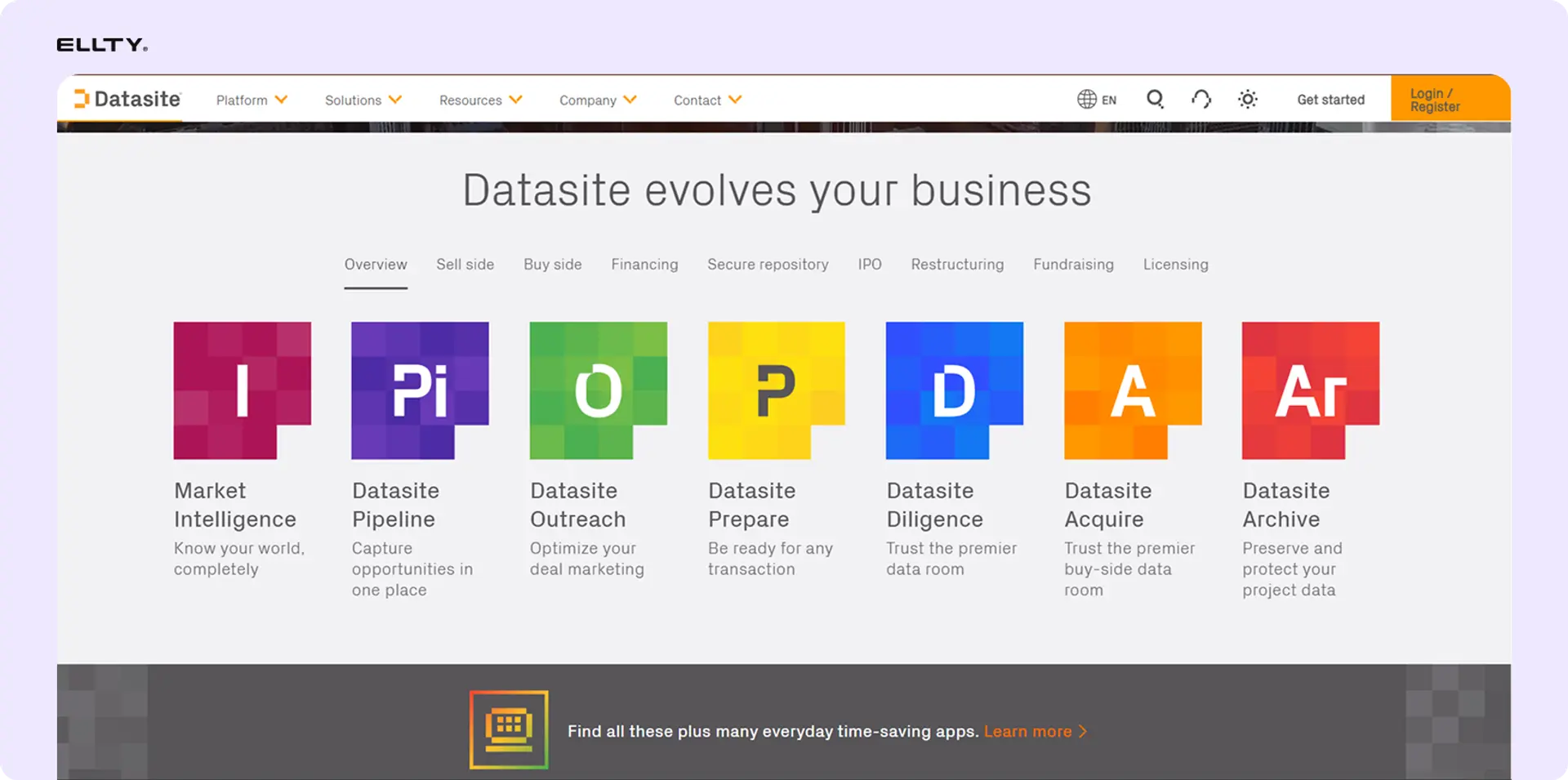
Datasite is the heavy hitter in the enterprise VDR space. It supports the entire M&A lifecycle from initial due diligence to post-merger integration, and is trusted by institutions like Goldman Sachs, Blackstone, and Johnson & Johnson. Its AI capabilities include redaction with unredaction, smart indexing from diligence trackers, and automated document organization. It also supports full-text search across documents in multiple languages, which is useful for cross-border deals. The trade-off is cost and complexity, pricing is custom and quote-based, with no free trial available. Datasite is overkill for a seed-stage startup or a small property transaction. But for mid-market and large M&A, private equity, or life sciences deals where the stakes are high and the document volumes are enormous, it's one of the most capable platforms available.
3. Intralinks

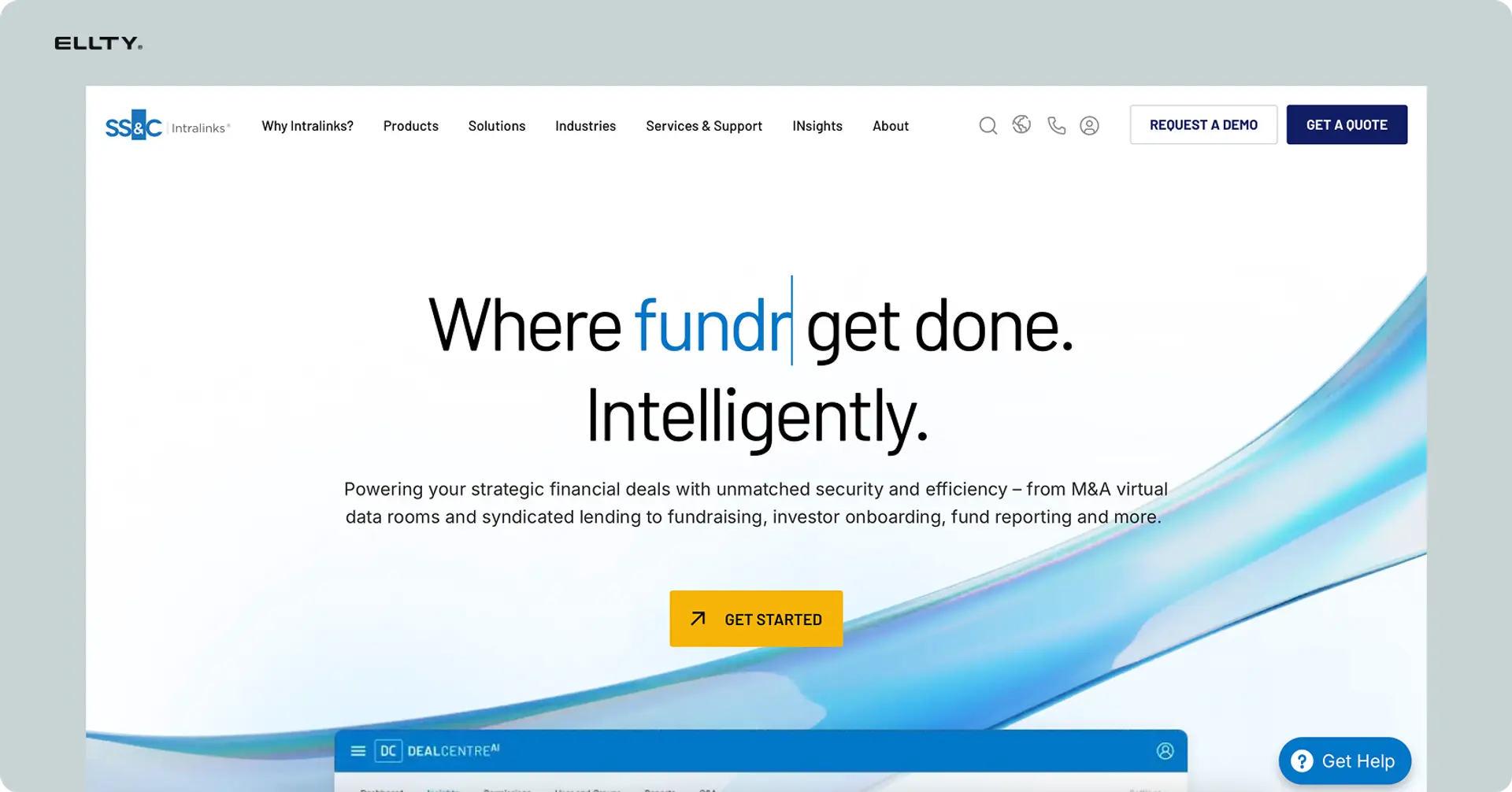
Intralinks pioneered the virtual data room concept over 25 years ago and continues to facilitate more than 10,000 M&A deals annually. It's backed by SS&C Technologies and built for serious institutional use. The platform offers AI-powered redaction, built-in video conferencing, structured Q&A workflows, and 16 distinct user permission roles supporting over 140 languages. One genuinely unique feature: its UNshare® capability allows administrators to retract access to documents even after they have been downloaded, something no other major VDR currently offers. The downside is that smaller teams often find the pricing opaque and the interface more complex than it needs to be. Intralinks is best suited to investment banks, private equity firms, and large legal teams running multiple concurrent deals who need institutional-grade security and a platform with a long track record.
4. Ansarada


Ansarada stands out as one of the most AI-forward VDR platforms, serving businesses in over 180 countries. Its AI predicts deal closure with claimed high accuracy based on bidder document viewing patterns during the diligence process. It also has a freemium model that's unusual in this space - you can set up rooms and organize documents for free, and only pay when external parties join. Its Pathways feature provides structured checklists and guided workflows to help streamline due diligence and compliance processes. This makes it a good fit for teams that want to get organized before a deal kicks off without paying upfront. It works well for M&A, fundraising, board communications, and portfolio management. Worth noting: Ansarada was acquired by Datasite in 2024 but continues to operate independently under its own brand.
5. DealRoom


DealRoom is purpose-built for buyer-led M&A and is particularly well suited to roll-ups and serial acquirers handling multiple concurrent deals. What makes it different from most VDRs is that it goes beyond document storage - it integrates pipeline management, due diligence tracking, and post-merger integration into a single platform. For corporate development teams running several acquisitions at once, that's genuinely valuable. It includes AI-driven tools for document analysis, redaction, and summary generation, which speeds up due diligence and reduces manual work. It's less of a simple document-sharing tool and more of a full deal management platform. If you're a startup doing a one-time fundraise or a broker managing a single property sale, it may be more than you need. But for active acquirers and M&A advisors, it's one of the most complete tools available.
6. Firmex


Firmex is a solid, no-frills VDR that's been around since 2006 and has built a loyal following among law firms, investment banks, and mid-market deal teams. It offers flat-rate pricing, which means no per-page or per-user surprises - a real differentiator in a market where hidden fees are common. It handles large document volumes well, with bulk upload, granular permissions, watermarking, and detailed activity reporting. The interface is clean and practical rather than flashy, which suits professional services teams who want something that just works. It's a popular choice for legal due diligence, M&A transactions in the $10M to $500M range, and compliance-heavy industries like financial services and life sciences. If you've been burned by enterprise VDR pricing before and want transparent costs with reliable performance, Firmex is consistently worth considering.
7. iDeals


iDeals is one of the most well-regarded VDR providers on the market, popular across M&A, fundraising, real estate, and legal. It offers over 100 features for file management and enterprise collaboration, including an auto-indexing tool that automatically organizes and categorizes uploaded documents - which speeds up due diligence workflows considerably. The platform is known for being genuinely easy to use, which matters when you're inviting lawyers, investors, or buyers who don't want a learning curve. It has strong access controls, detailed audit trails, and solid analytics showing you who looked at what and for how long. iDeals is consistently ranked among the best data room providers and supports teams of all sizes. Good choice if you want a reliable, full-featured platform without the complexity of the enterprise-only tools.
Every provider on this list does the core job - secure document sharing, access controls, audit trails. Where they differ is in price, complexity, analytics depth, and who they're built for. The right choice depends on the size of your deal, how many parties are involved, and how much you actually need under the hood.
How to set up a branded virtual data room with Ellty
Ellty is built for businesses who need to move fast. Here's the actual setup process:
Step 1: Upload your documents
Drag and drop your docs, financials, or due diligence files into Ellty. Supported formats include PDF, which is what you'll use for most documents.
Step 2: Organize into a data room
Create a data room and organize files into folders - Company Overview, Financials, Legal, Product, Team. This takes about 10 minutes if your files are already prepared.
Step 3: Set up branding (Standard plan and above)
Upload your logo and set brand colors. This applies to the access portal that investors see when they click your link. On the Data Room plan, you also get custom domain options.
Step 4: Configure access and security
Choose: require email authentication, enable NDA gating (Data Room plan), set watermarking (Data Room plan), and configure folder-level permissions if needed. Set link expiry if you want the room to close after a certain date.
Step 5: Generate a trackable link and share
Create a shareable link and send it to clients. You can create separate links for different recipients to track engagement individually.
Step 6: Monitor engagement
Watch real-time analytics in your Ellty dashboard. You'll see when each viewer accessed the room, which documents they opened, how long they spent on each page, and whether they returned. Ellty sends real-time notifications the moment someone opens your data room.
Total setup time for a standard data room: 20-30 minutes if your documents are ready.
Branded virtual data room app: mobile access
Recipients don't only review documents at a desk. They open data rooms on planes, in taxis, between meetings.
A good branded data room should work on mobile without breaking the experience. What to check:
- Does the access portal render cleanly on mobile browsers?
- Are PDFs readable without zooming and panning constantly?
- Do analytics still track mobile views?
- Can you manage the data room from mobile?
Ellty is browser-based and works on mobile devices. You don't need to download a separate app - the platform runs in your mobile browser. For teams managing the data room, the dashboard is accessible from any device.
If you need a dedicated native app for offline access or complex document management, evaluate enterprise options - but for most fundraising use cases, a responsive web experience is sufficient.
What Ellty works best for
Ellty is a good fit when:
- You're fundraising and want to track exactly which investors are engaging with your documents in real time
- You want a branded, professional data room without a complex setup or a sales call to get started
- You're running a seed or Series B process with up to a few dozen investors
- You're a consultant, broker, or advisor who shares sensitive documents with clients regularly and wants something more professional than email attachments
- You need NDA gating and watermarking but don't want to pay enterprise prices to get them
- You're managing a real estate transaction and need to share property documents with multiple parties in a controlled, organized way
- You want one platform that handles both pitch deck sharing and full due diligence without switching tools
- You're a small or mid-sized business going through an acquisition and need a clean, organized room without the overhead of enterprise software
Ellty is less suited for:
- Large M&A transactions that require advanced compliance tools, dedicated deal support teams, and deep workflow automation
- Highly regulated industries with specific VDR certification requirements beyond standard security
- Companies managing hundreds of simultaneous users across complex group hierarchies and permission structures
That's the honest version. Ellty is built for founders, advisors, brokers, and deal teams who need a professional, easy-to-use data room - not for investment banks running billion-dollar transactions.
Ready to get started? Create your branded data room with Ellty.
FAQ
What is a branded virtual data room?
A branded virtual data room is a secure online document-sharing platform where you can apply your own logo, colors, and sometimes domain name. Viewers see your brand identity when they access your documents, not the software provider's interface. Branding is typically paired with features like trackable links, analytics, NDA gating, and access controls.
Do I need a branded data room to raise funding?
No - you can raise a round using a well-organized Google Drive folder. But a branded data room gives you three things a shared folder doesn't: professionalism, control, and analytics. If you're in active conversations with VCs and want to know which investors are actually engaging with your materials, the analytics alone are worth it.
What's the difference between a data room and a pitch deck share?
A pitch deck share is usually a single document sent to clients for an initial review. A data room is a structured collection of documents used during due diligence - financials, legal documents, cap table, contracts, team information. Many teams use the same platform for both: share the deck early, then open a full data room when diligence starts. Ellty supports both use cases.
How much does a virtual data room cost?
Startup-focused tools range from free to around $350/month. Ellty plans: Free ($0), Standard ($69/month), Data Room ($149/month), Data Room Plus ($349/month). Enterprise VDR platforms like Datasite or Intralinks are contract-priced and typically cost thousands per month. For most early-stage companies, a $69-$149/month tool is more than sufficient.
What is NDA gating and do I need it?
NDA gating requires visitors to agree to a non-disclosure agreement before they can access your data room. It's standard practice for due diligence in Series A and beyond. If you're sharing sensitive financial information, IP documentation, or strategic plans, NDA gating is a reasonable protection. Ellty offers NDA gating on the Data Room plan ($149/month).
What does dynamic watermarking do?
Dynamic watermarks embed the viewer's identifying information - name, email, or access timestamp - into every page of every document they access. If a document is leaked or shared without permission, you can identify the source. This is a feature on Ellty Data Room plan and is commonly required by late-stage investors and acquirers.
Can visitors download documents from my data room?
That depends on your settings. Most data room platforms, including Ellty, let you control whether documents can be downloaded or are view-only. For sensitive materials, view-only access combined with watermarking is the safer choice during early diligence stages.
What analytics does a virtual data room provide?
At minimum: who accessed the room and when. Better tools provide page-level analytics (which pages were viewed, how long), visit frequency, and device type. Ellty provides document-level and page-level analytics, real-time notifications when someone opens your data room, and individual visitor engagement tracking if you create separate trackable links per visitor.
How long does it take to set up a branded data room?
On Ellty, you can have a functional data room ready in under 30 minutes if your documents are already prepared. Upload files, organize into folders, configure access settings, apply branding, and generate a trackable link. The branding setup (logo, colors) takes about 5 minutes. The more time-consuming part is organizing your documents into a logical structure - that's worth doing carefully.
Ready to set up your branded data room?
Start with Ellty free plan. Upload your documents, generate a trackable link, and see exactly who's reading your materials - in real time.
Author

Anika Tabassum Nionta is a Content Manager at Ellty, where she writes about secure document sharing, virtual data rooms, M&A, due diligence, fundraising, and sales enablement. With over 6 years of writing experience, she helps professionals understand how to share confidential documents securely, track engagement, and manage deals more effectively. Anika holds both a BA and MA in English from Dhaka University. Outside of work, she enjoys reading, exploring new cafes in Dhaka, and connecting with entrepreneurs and dealmakers in her community.

