
Most nonprofits are managing sensitive documents with tools built for something else. Google Drive folders with confusing permissions. Email threads with attachments that never made it. Dropbox links that anyone can share with anyone.
That works fine, until it doesn't. Until a major funder asks for due diligence documents. Until your auditor needs three years of financials and you need to know if they've actually looked at them. Until you're going through a merger and you realize you don't have a clean process for sharing confidential docs.
That's where a virtual data room (VDR) comes in. This guide covers what they are, when your nonprofit actually needs one, how to set one up, what it'll cost, and how to pick the right tool.
If you want to see how a data room works before reading further, you can create a free Ellty account and have one set up in under 10 minutes. No credit card required.
What is a virtual data room?
A virtual data room is a secure online space where you share confidential documents with specific people. That's the core of it.
The difference between a VDR and a shared Google Drive folder is control. In a VDR, you decide who sees what, you can revoke access any time, you can track who's opened which documents, and you can set rules like 'no downloading' or 'must sign an NDA before entering.'
For nonprofits, that control matters in a lot of common situations - grant due diligence, board document sharing, audits, major donor cultivation, and any time you're merging with or partnering with another organization.
Virtual data rooms were originally built for M&A transactions in the corporate world. They've since become standard in any context where a lot of confidential documents need to move between parties in a structured way.
When does a nonprofit actually need a data room?
Not every nonprofit needs one all the time. But most will hit at least one of these moments.
Here are the main situations where a virtual data room earns its keep for nonprofits:


Grant due diligence is the most common trigger. Larger institutional funders especially foundations with assets over $100M, often require formal document review before committing a major gift. They want to see audited financials, your 990, board governance documents, and sometimes program data. Sending all of this over email is messy and hard to track.
Board onboarding is another one that comes up regularly. New board members need access to a lot of documents: bylaws, past meeting minutes, conflict of interest policies, financial statements. A data room makes it easy to give them a clean organized space with exactly what they need, without mixing it up with everything else.
VDRs protect confidential donor records and financial details during fundraising campaigns and partnership negotiations. Nonprofits use VDRs to share sensitive documents with external auditors or partners, often requiring view-only access or watermarking to prevent data theft. They provide an auditable log of which user accessed which document, aiding in compliance with data privacy regulations. VDRs also allow multiple people to review documents simultaneously from different locations, accelerating processes compared to physical storage.
If you're going through any kind of formal merger, acquisition, or significant partnership, you'll want a proper data room. The legal and financial documents involved are sensitive, and both sides need a structured process.
7 virtual data rooms for nonprofits
1. Ellty


Ellty is a secure document sharing and analytics platform with full data room functionality, built for anyone who needs to share sensitive documents in a controlled, trackable way. For nonprofits, that means sharing grant applications, donor agreements, audit reports, and board materials without worrying about who's forwarding what.
You get access controls, real-time activity tracking, NDA gating, and a clean audit trail - everything a nonprofit needs to stay organized and compliant during funding rounds, partnership negotiations, or financial reviews.
What makes Ellty especially practical for nonprofits is the pricing. There are no per-user fees, no surprise charges as your team or stakeholder list grows, and no lengthy enterprise negotiations.
Plans break down like this:
- Free - $0/month. Document tracking, real-time analytics, and secure sharing. Great for early donor conversations.
- Standard - $69/month. Unlimited documents, eSignatures, custom branding, and advanced analytics.
- Data Room - $149/month. Granular permissions, NDA gating, dynamic watermarking, and restricted visitor access.
- Data Room Plus - $349/month. Group permissions, full audit logs, and support for up to 4,000 assets.
For nonprofits that need a professional data room without an enterprise contract, Ellty is the place to start.
Where Ellty works well for nonprofits:
- Grant due diligence with foundation funders
- Board onboarding and ongoing board document sharing
- Major donor cultivation with high-net-worth individuals
- Audit preparation with external auditors
- Any situation where you need to know who's opened what and when
The Free plan includes document tracking and analytics. The Data Room plan at $149/month adds the features most nonprofits need for formal due diligence: NDA gating, granular permissions, dynamic watermarking, and restricted visitor access.


2. Digify


Digify is a document security and virtual data room platform used by startups, legal teams, and nonprofits that need tight control over how files are accessed and shared. It focuses heavily on document protection - think watermarking, access expiry, and screenshot prevention - making it a strong pick for organizations handling sensitive donor data or legal agreements.
For nonprofits, Digify works well when you need to share grant documentation, board reports, or compliance files with external auditors or partners without losing visibility into who's reading what.
The platform offers document tracking so you can see exactly when a file was opened, how long someone spent on it, and whether they forwarded it. You can also set documents to self-destruct after a certain date or number of views, a useful feature when sharing time-sensitive funding materials.
Setup is relatively quick, and the interface is clean enough that non-technical staff can manage it without much training. Digify offers a free trial, with paid plans starting at around $149/month, making it accessible for mid-sized nonprofits that need more than basic file sharing but aren't ready for enterprise-level pricing.
3. ShareFile by Citrix


ShareFile is a file sharing and collaboration platform built for professional service firms and organizations that deal with sensitive documents regularly. It's widely used in legal, financial, and healthcare sectors and it translates well for nonprofits managing grant compliance, donor records, or board governance materials.
The platform lets you create client-facing portals where external stakeholders - auditors, funders, legal counsel - can securely access documents without needing to navigate a complicated system. Permissions are flexible, so you can control who sees what at the folder or file level.
ShareFile also supports eSignatures through its integration with RightSignature, which is handy when you need signed agreements from board members or partner organizations. Version control keeps document history clean, so you always know which draft is the most current.
For nonprofits already using other Citrix or Microsoft tools, ShareFile integrates smoothly into existing workflows. Pricing starts at around $50/month for small teams, scaling up based on storage and user count. It's a solid mid-range option for nonprofits that want reliable document security with collaboration features built in.
4. Box

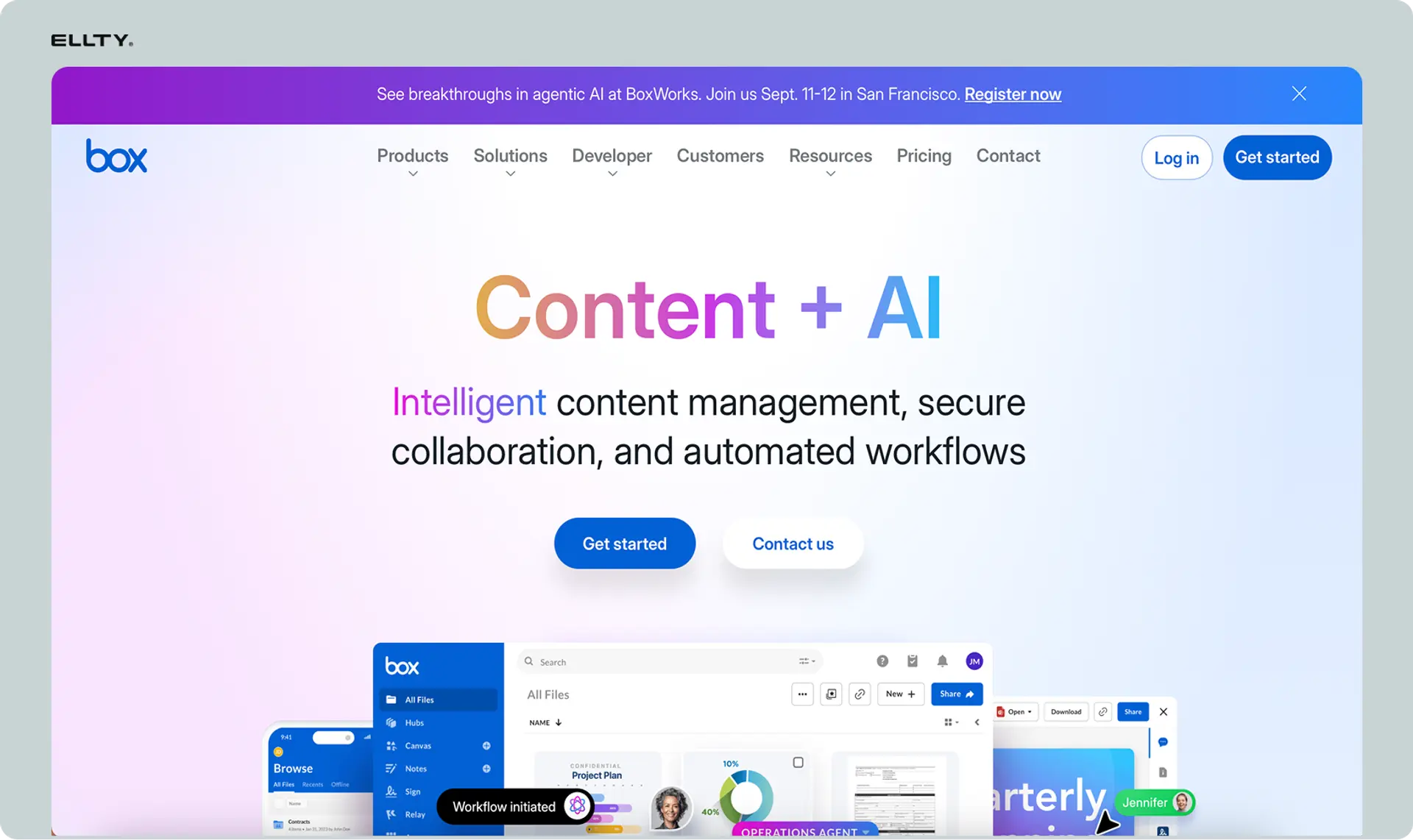
Box is a cloud content management platform that many large nonprofits and NGOs already use for day-to-day file storage, but it also has data room capabilities built in through its advanced permission settings and governance tools.
For nonprofits, Box is practical because it handles both internal collaboration and external sharing from the same platform. You can set up shared workspaces for specific grant projects or due diligence reviews, control access at the folder level, and monitor activity through audit logs.
Box also integrates with a huge number of third-party tools - Google Workspace, Salesforce, Slack, DocuSign - which makes it easy to plug into whatever systems your organization already runs on. Compliance features like data retention policies and e-discovery support are baked in, which matters for nonprofits that need to meet specific regulatory requirements.
The tradeoff is that Box isn't purpose-built as a VDR. The data room experience requires more manual setup compared to platforms designed specifically for deal or document review workflows. Pricing starts at around $15 per user per month, with more advanced security features available on higher-tier plans.
5. Firmex

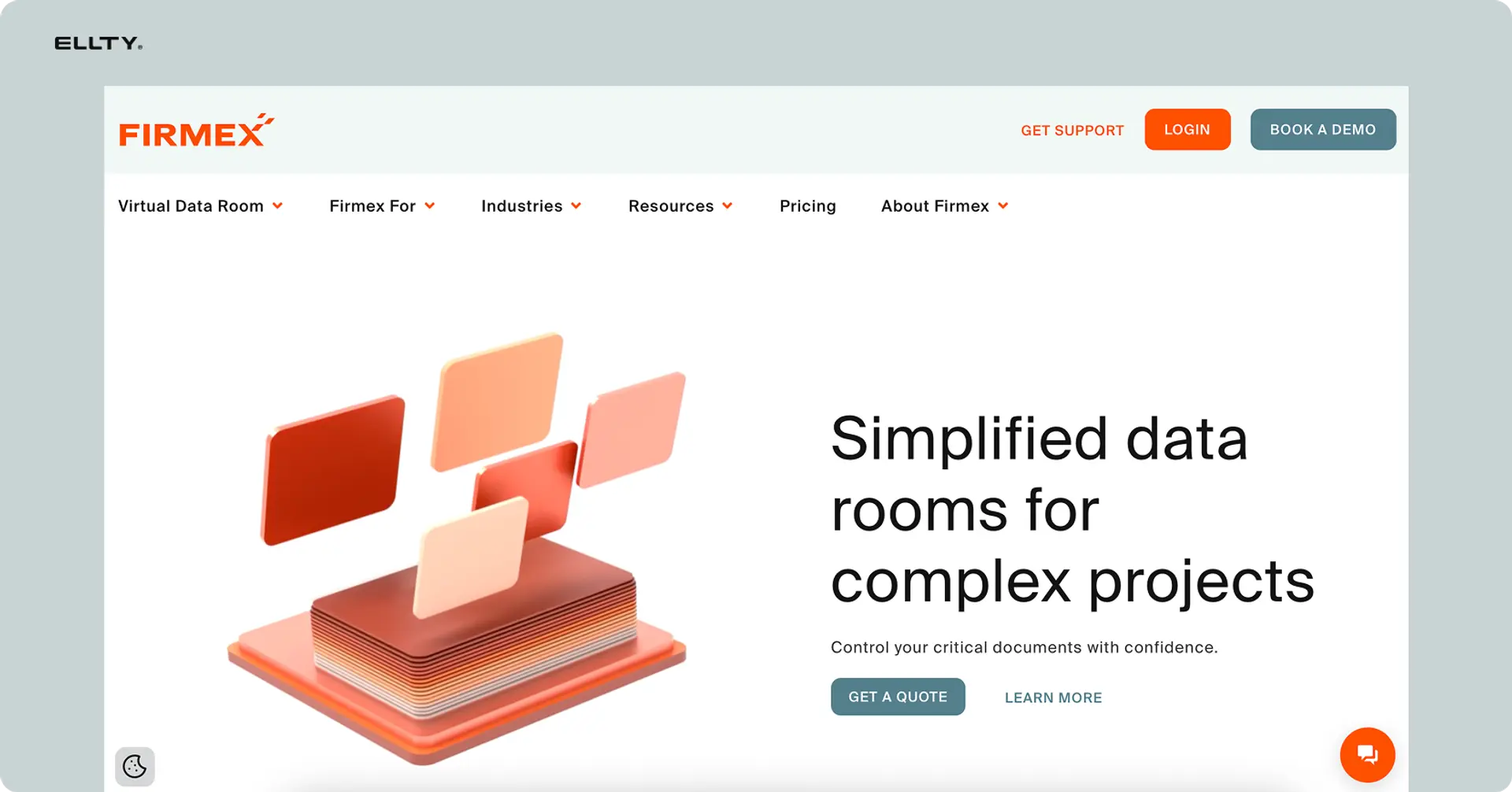
Firmex is a dedicated virtual data room platform that has been used in M&A, legal, and compliance-heavy industries for years. For nonprofits, it's particularly relevant during significant organizational events - mergers with other nonprofits, major grant due diligence processes, or audits that require structured document review by multiple external parties.
The platform is built around controlled access. You can set up detailed permission levels for different reviewer groups, apply watermarks to sensitive documents, and generate full audit reports showing exactly who accessed what and when. Q&A functionality is also built in, which is useful when funders or auditors need to ask questions about specific documents without everything getting tangled in email threads.
Firmex is on the more enterprise-focused end of the spectrum, it's not the lightest or cheapest option available. Pricing is quote-based, which means it works better for nonprofits running large, structured review processes rather than smaller organizations sharing documents on an ongoing basis. That said, its track record in regulated industries means the security and compliance foundations are genuinely solid.
6. iDeals virtual data room


iDeals is a virtual data room platform built specifically for due diligence and secure document sharing in high-stakes situations - M&A transactions, fundraising rounds, legal proceedings, and regulatory reviews. For nonprofits, it's a strong fit when you're going through a major funding process, a merger, or an external compliance review that requires structured, auditable document access.
The platform gives you granular permission settings, dynamic watermarking, and the ability to restrict printing, downloading, or screenshotting of sensitive files. The Q&A module is particularly well-developed. Reviewers can ask questions directly inside the data room, and your team can respond in a controlled, documented way without the chaos of back-and-forth emails.
iDeals also offers a dedicated project manager for larger accounts, which can be genuinely helpful if your nonprofit doesn't have dedicated IT support. The interface is clean and the setup process is guided, so it's manageable even for teams without a technical background.
Pricing is quote-based and tends to be on the higher end, making iDeals a better fit for nonprofits running significant, time-bound review processes rather than ongoing document sharing needs.
7. Intralinks
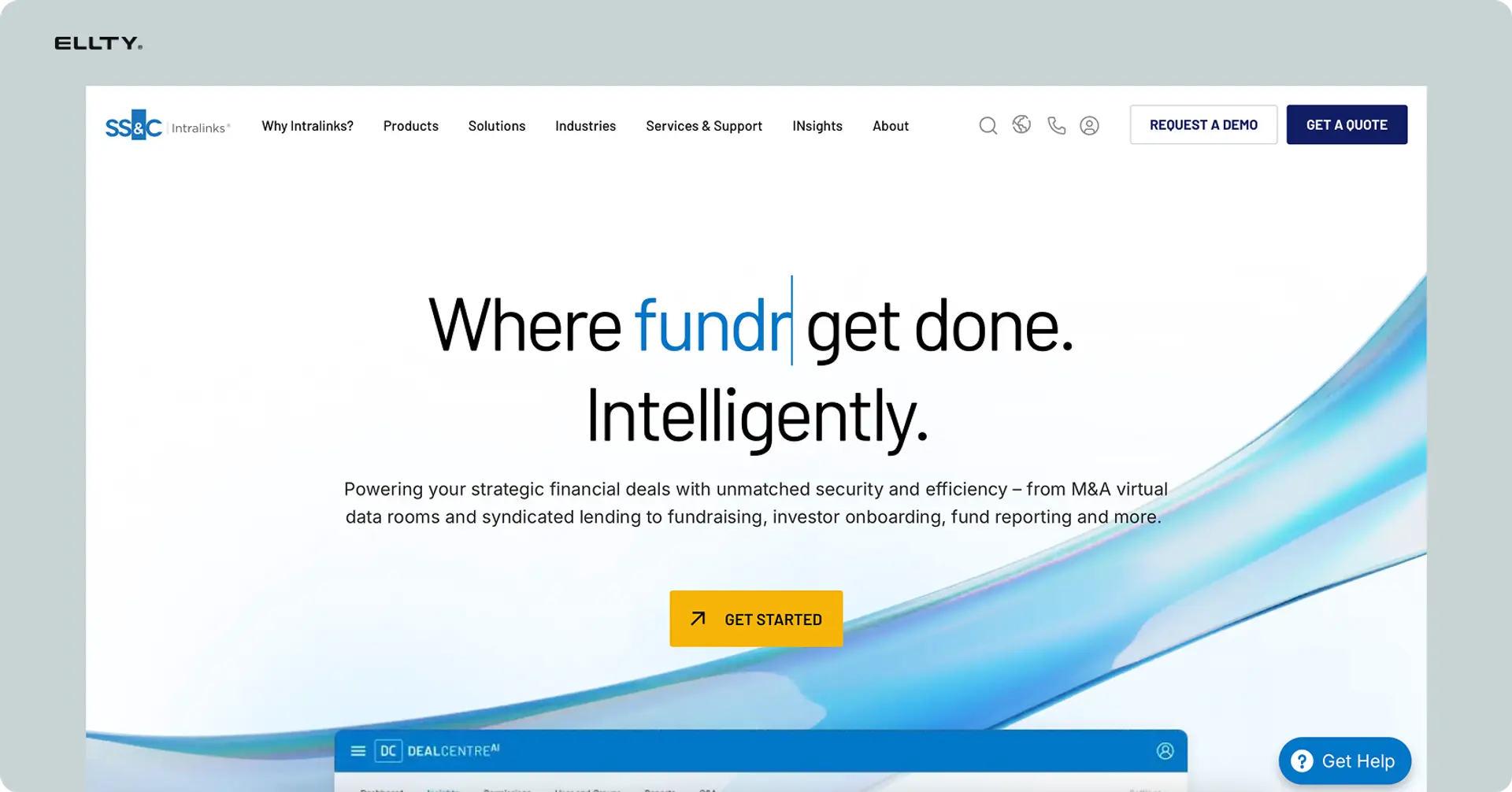
Intralinks is one of the oldest and most established virtual data room platforms in the market, with a long history in enterprise M&A, capital markets, and regulatory compliance. For nonprofits, it's most relevant in situations that mirror those high-stakes environments - large-scale mergers between organizations, complex multi-funder due diligence, or situations where you're working alongside banks, law firms, or institutional investors who are already familiar with the platform.
The feature set is comprehensive: advanced permission controls, AI-powered document organization, automated redaction, and detailed activity reporting. Intralinks also has strong compliance credentials across multiple international regulatory frameworks, which matters for nonprofits operating across borders or in heavily regulated sectors like healthcare or international development.
The honest tradeoff is that Intralinks is built for enterprise scale - the pricing reflects that, and the platform can feel more complex than smaller nonprofits actually need. It's best suited for organizations running large, formally structured processes where the counterparties expect an institutional-grade document environment. For most small to mid-sized nonprofits, it's likely more than necessary, but for the right situation, it's hard to match.
How to set up a virtual data room for nonprofits


Setting up a data room doesn't have to be complicated. Here's a straightforward way to do it.
Step 1: Choose your tool
Pick a platform that fits your use case and budget. For most nonprofits, you don't need a full enterprise VDR that costs thousands per month. A platform like Ellty, which has a dedicated data room plan starting at $149/month, covers most nonprofit needs including NDA gating, granular permissions, and view analytics.
Step 2: Create a folder structure
Don't just dump files in. Create logical folders before you start uploading. A typical nonprofit data room structure looks like:
- 01 - Legal 501(c)(3) letter, bylaws, articles of incorporation)
- 02 - Financial (audited financials, 990s, current budget, bank statements)
- 03 - Governance (board list, meeting minutes, conflict of interest policy)
- 04 - Programs (impact reports, outcome data, program descriptions)
- 05 - Compliance (HR policies, background check policy, insurance)
Step 3: Upload and label documents clearly
Use clear file names. '2023_AuditedFinancials_FY23.pdf' is better than 'Audit final FINAL v2.pdf'. Funders and auditors will thank you. More importantly, you'll thank yourself when you're looking for something under pressure.
Step 4: Set permissions
Decide who can see what. Most VDR platforms let you set view-only access, restrict downloading, or require a signed NDA before entering. On Ellty Data Room plan, you can assign granular permissions per folder or document, so a board member gets the governance folder but not the compensation details.
Step 5: Create and share access links
Most modern VDRs use trackable links instead of user accounts. You generate a link, share it with the right person, and track when they open it, what they look at, and for how long. This is much faster than managing individual user accounts.
Step 6: Monitor activity
Once you've shared access, keep an eye on who's engaging with the room. Real-time notifications tell you when someone opens a document. Analytics show which sections they're spending time on. This is useful for grant conversations - if a funder has spent 20 minutes on your financials, that's a good sign before a follow-up call.


What to put in your nonprofit data room
This depends on the purpose of your data room. A grant due diligence room looks different from a board onboarding room. Here's a general reference.


Don't over-include. You don't need to share everything. Share what's relevant to the specific ask. If a funder is only doing program due diligence, they don't need your HR handbook. Keep the room clean and focused.
Also, label everything with dates. Funders and auditors will often ask 'is this current?' - make it obvious by putting the year in the file name or folder name.
Can nonprofits get Google Workspace for free?
Yes - Google offers Google Workspace for Nonprofits at no cost through its Google for Nonprofits program. This gives eligible 501(c)(3) organizations access to Gmail, Docs, Drive, Meet, and more.
To qualify, you need to:
- Be a registered nonprofit with 501(c)(3) status
- Apply through TechSoup (Google's validation partner)
- Meet Google's eligibility requirements (government entities and certain religious organizations are excluded)
So what does this mean for your data room situation? Google Workspace gives you Google Drive, which you can use for basic document sharing. But it's not a virtual data room.
Drive lacks NDA gating, per-document view tracking, real-time notifications when someone opens a specific file, dynamic watermarking, and restricted access controls. You can share a folder with someone and see if they opened it - but that's about the limit.
If your needs are simple - sharing board documents internally, basic collaboration - Google Workspace plus Drive is often enough and free is hard to beat.
If you need formal due diligence capabilities, you'll want a dedicated VDR. Some nonprofits use both: Google Workspace for day-to-day operations and a tool like Ellty for specific data room moments (grant due diligence, audits, board onboarding).
Secure data room providers: what to look for
Security is one area where you don't want to cut corners. When evaluating any data room provider, look for these things:
Encryption
Documents should be encrypted in transit (TLS) and at rest (AES-256). Any reputable provider will offer this. Don't share sensitive donor or financial information on a platform that doesn't.
Access controls
You need to be able to revoke access instantly. If someone's engagement with your organization changes, you want to be able to cut their access to your documents in one click.
Activity logging
A secure data room should log all activity - who accessed what, when, and for how long. This is useful for compliance and for your own peace of mind.
NDA gating
For formal due diligence, requiring visitors to sign a digital NDA before entering the room is standard practice. Ellty Data Room plan includes this.
Watermarking
Dynamic watermarking stamps the viewer's name or email on documents. This deters unauthorized sharing and makes it traceable if a document leaks.
Two-factor authentication
Check whether the platform offers 2FA for admin accounts. For a data room containing financial and legal documents, this is a basic security requirement.
Virtual data room app: mobile access
A common question is whether VDRs work on mobile. The honest answer: it depends on the platform.
Most web-based VDR platforms, including Ellty, work on mobile browsers without needing a dedicated app. Board members reviewing documents on a tablet, funders opening a link from their phone - these scenarios work fine on a responsive web interface.
If you're evaluating a platform and mobile access is important for your use case, check whether they have a native app or whether the web version is mobile-optimized. For most viewing use cases, a mobile-responsive web app is sufficient.
Frequently asked questions
What's the best virtual data room for nonprofits?
It depends on your use case and budget. For most nonprofits doing grant due diligence, board document sharing, or audit prep, a mid-range tool like Ellty (starting at $149/month for data room features) covers what you need without enterprise pricing. If you're handling large M&A transactions, enterprise platforms like Intralinks or Datasite are more appropriate - just expect custom pricing in the hundreds or thousands per month.
How much does a virtual data room cost?
Enterprise VDRs built for M&A typically run $500-$2,000+ per month with custom quotes. Mid-range platforms like Ellty offer data room features starting at $149/month. Ellty also has a Free plan with basic document tracking and a $69/month Standard plan for simpler sharing needs. The key variable to watch is whether data room pricing is per-user or flat-rate - per-user fees add up fast when sharing with multiple external parties.
Can nonprofits get Google Workspace for free?
Yes. Google offers Google Workspace for Nonprofits at no cost to eligible 501(c)(3) organizations through its Google for Nonprofits program. You apply through TechSoup for validation. This gives you Gmail, Docs, Drive, Meet, and more. Note that Google Drive is not a virtual data room - it lacks NDA gating, per-document view tracking, and the access controls you need for formal due diligence.
How do I set up a virtual data room for my nonprofit?
Pick a platform, create a clear folder structure (Legal, Financial, Governance, Programs), upload and clearly label your documents, set permissions for each folder, generate trackable access links, and share them with the appropriate parties. With a tool like Ellty, you can complete this in an afternoon. The organization upfront is what takes time - the technical setup is fast.
Do I need a virtual data room or is Google Drive enough?
For internal collaboration and basic document management, Google Drive (especially if you have free Workspace through Google for Nonprofits) is often sufficient. For external sharing with funders, auditors, or legal teams where you need NDA gating, view tracking, and access controls, you need a proper VDR. Many nonprofits use both - Workspace for operations, a VDR for specific external due diligence situations.
What documents should I put in a nonprofit data room?
For grant due diligence: 501(c)(3) determination letter, last 3 years of audited financials, IRS 990s, board list with bios, bylaws, impact reports. For board onboarding: bylaws, meeting minutes, conflict of interest policy, current financials, strategic plan. For an audit: bank statements, payroll records, receipts, grant expenditure records. Keep it focused - only include what's relevant to the specific purpose.
Is a virtual data room secure?
Reputable VDR platforms encrypt documents in transit and at rest, offer access revocation, activity logging, NDA gating, and dynamic watermarking. The security is significantly better than email or generic file sharing. That said, you should verify the specific certifications and features of any platform before putting sensitive documents in it. Ask about encryption standards, audit logs, and how access revocation works.
How is a virtual data room different from Dropbox or Google Drive?
Dropbox and Google Drive are file storage and sharing tools. VDRs are purpose-built for controlled document disclosure. The differences that matter: VDRs track who views which specific document and for how long, require NDA signing before entry, restrict downloading and printing, apply dynamic watermarks to viewed documents, provide audit logs, and let you revoke access instantly. Those features don't exist in Dropbox or Drive.
Can multiple funders access the same data room at once?
Yes. Most VDR platforms, including Ellty, let you create unique trackable links for different visitors or groups. You can see exactly which funder opened which document. On Ellty Data Room Plus plan ($349/month), you can set group permissions so different stakeholders see different document subsets from the same room.
Do board members need to create accounts to access a nonprofit data room?
On many modern platforms including Ellty, viewers don't need to create accounts. They receive a trackable link, optionally sign an NDA, and access the documents in their browser. This removes a significant barrier to adoption - board members and funders don't have to remember yet another login.
See how Ellty works for nonprofit data rooms - the free plan includes document tracking and analytics, and you can upgrade to a full data room when you're ready. No per-user fees, no enterprise contract required.
The bottom line
A virtual data room isn't complicated. It's a structured, secure way to share documents with people outside your organization when the stakes are high enough to matter.
Most nonprofits don't need one every day. But when you're in the middle of a grant due diligence process, a major audit, or a board leadership transition, having a proper data room saves time, looks professional, and gives you real information about who's actually engaging with your materials.
You don't need an enterprise platform. For most nonprofit use cases, a tool with solid permissions, NDA gating, view analytics, and flat-rate pricing covers everything.
Author

Anika Tabassum Nionta is a Content Manager at Ellty, where she writes about secure document sharing, virtual data rooms, M&A, due diligence, fundraising, and sales enablement. With over 6 years of writing experience, she helps professionals understand how to share confidential documents securely, track engagement, and manage deals more effectively. Anika holds both a BA and MA in English from Dhaka University. Outside of work, she enjoys reading, exploring new cafes in Dhaka, and connecting with entrepreneurs and dealmakers in her community.

