
You've probably been sharing files the wrong way for years. Not because you're careless - because most "secure" file sharing tools aren't actually that secure. They just look the part.
For startup founders dealing with pitch decks, term sheets, investor updates, and sensitive company data, the difference between a tool that's genuinely secure and one that just has a padlock icon in its marketing matters.
This guide covers 8 of the best secure file sharing tools in 2026, from personal cloud storage to full virtual data rooms, reviewed honestly, with no affiliate rankings or paid placements.
What makes file sharing software actually "secure"?
Before jumping into the tools, here's the terminology you need to know. When vendors say secure, they usually mean some combination of the following:
Encryption at rest and in transit. Your files are scrambled while stored on servers and while being transferred. Most tools today use AES-256 encryption at rest and TLS/SSL during transfer. This is the baseline - if a tool doesn't offer this, walk away.
Access controls. Who can view the file? Can they download it? Can they share it further? Good tools let you set granular permissions per user or per link.
Link expiration and password protection. Sharing a link with no expiration is like leaving your front door unlocked. The ability to set expiration dates and require passwords is a basic feature worth prioritizing.
Audit logs. For investor documents, legal files, or due diligence materials, you need to know who accessed what and when. Most basic cloud storage tools don't provide this.
Zero-knowledge encryption. The gold standard - the vendor can't read your files even if they wanted to. Most mainstream tools, including Dropbox and Google Drive, don't offer this by default.
Two-factor authentication (2FA). A must-have for any team account. Almost every major tool offers this now, but you'd be surprised how many teams don't enable it.
Keep these six things in mind as you read through the reviews below.
What is the most secure file sharing system?
There's no single answer that works for everyone, so let's be direct about what the question actually means.
For casual personal use (photos, documents, non-sensitive files), Google Drive or iCloud are more than adequate. They're encrypted, reliable, and free up to a point.
For business use with some sensitive files (contracts, proposals, internal docs), Dropbox or OneDrive on a paid plan gets you password-protected links, version history, and access controls. Not perfect, but workable.
For high-stakes file sharing - investor due diligence, M&A data rooms, regulatory compliance - you need a purpose-built secure data room. Tools like Ellty, Intralinks, or Firmroom are built specifically for this. They offer NDA gating, granular viewer permissions, watermarking, and detailed audit logs that general-purpose cloud storage simply doesn't provide.
The honest answer: the "most secure" system is the one you'll actually configure correctly. A poorly set-up enterprise data room is less secure than a well-managed Google Drive folder with proper sharing settings.
The 8 Best Secure File Sharing Tools in 2026
1. Ellty - Best for secure document sharing with external stakeholders


Ellty sits in a specific and underserved category: secure document sharing with external parties where you need to know what happens to your files after you send them. It's not a general-purpose cloud storage tool - it's built for founders, dealmakers, and anyone sharing sensitive documents with investors, clients, or partners.
Security: Encrypted sharing with access controls, link expiration, password protection, and NDA gating. Dynamic watermarking and audit logs are available on paid plans.
Sharing controls: This is where Ellty stands out. Instead of sending static links, you get trackable links that show you who accessed the file, which pages they read, and for how long. Real-time notifications when a document is opened. The ability to revoke access instantly. Optional NDA gating before a recipient can view anything.
Data room features: The Data Room plan ($149/month) includes granular permissions, NDA gating, dynamic watermarking, and complete audit logs - the features typically required for investor due diligence. The Data Room Plus plan ($349/month) adds group visitor permissions and supports up to 4,000 assets.
Best for: Teams sharing confidential documents with investors, early-stage due diligence, anyone who needs to know what happens to their documents after sharing.
Limitations: Not built for internal file management or everyday team storage. If your primary need is syncing files across devices and collaborating internally, Google Workspace or Microsoft 365 is a better fit.
Pricing: Free plan available (trackable links, real-time analytics). Standard plan from $69/month. Data Room from $149/month.


2. Google Drive - Best for personal use and teams on a budget

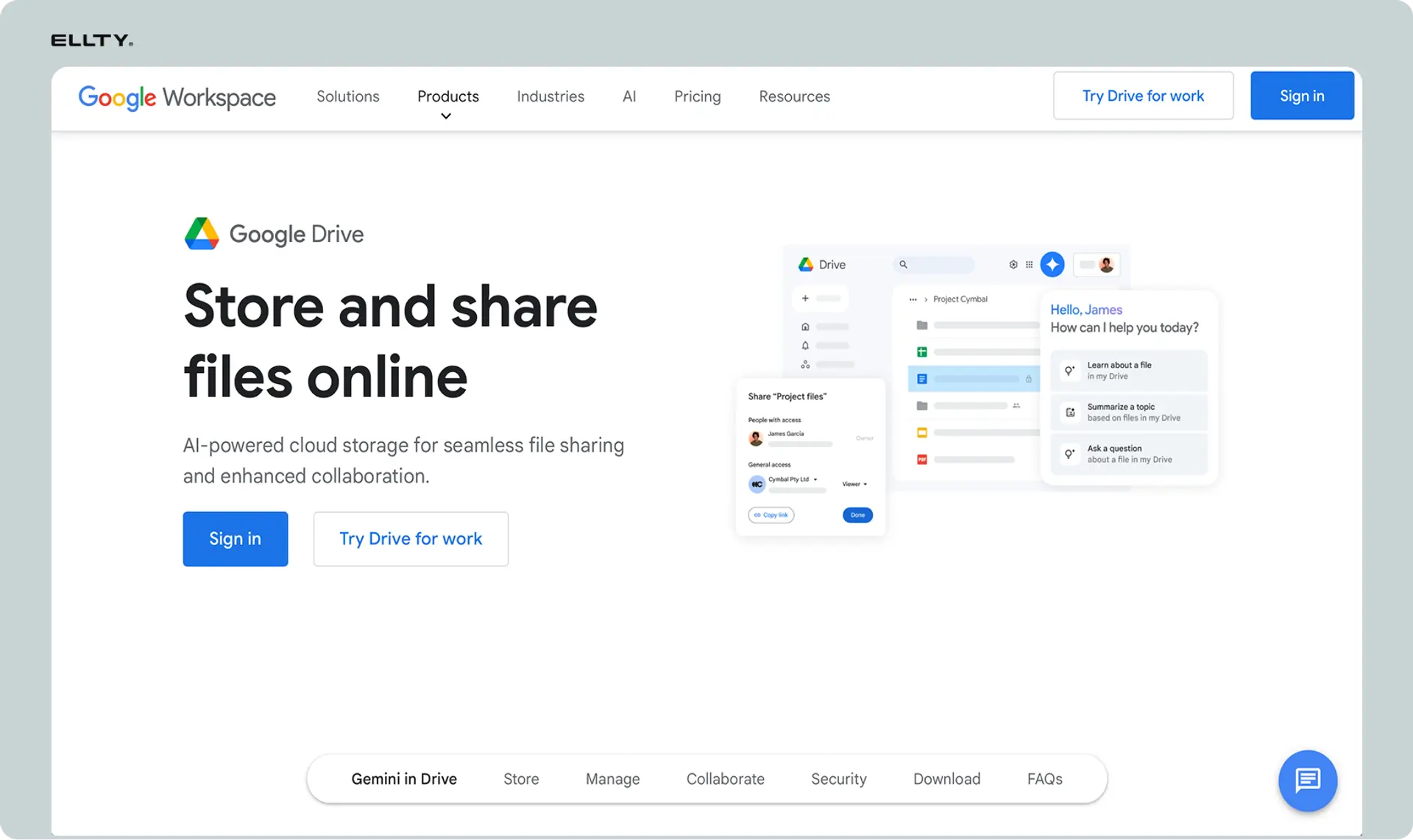
Google Drive remains the strongest option for most individuals and small teams. You get 15 GB of free storage, excellent mobile apps, solid encryption, and deep integration with Docs, Sheets, and Slides.
Security: AES-256 encryption at rest and TLS during transfer. Google Workspace enterprise plans support client-side encryption, but this isn't available on standard plans. Like most mainstream tools, it's not zero-knowledge - Google technically has access to your data.
Sharing controls: Decent, though not the most granular. You can control view/comment/edit permissions and restrict downloading, but password-protected links and link expiration require a Workspace subscription.
Best for: Personal file storage, everyday team collaboration, anyone already in the Google ecosystem.
Limitations: Not built for high-stakes external sharing. You won't get audit logs, NDA gating, or viewer analytics on standard plans.
Pricing: Free up to 15 GB. Google Workspace plans start at $6/user/month.
3. Dropbox - Best for teams that need strong sharing controls
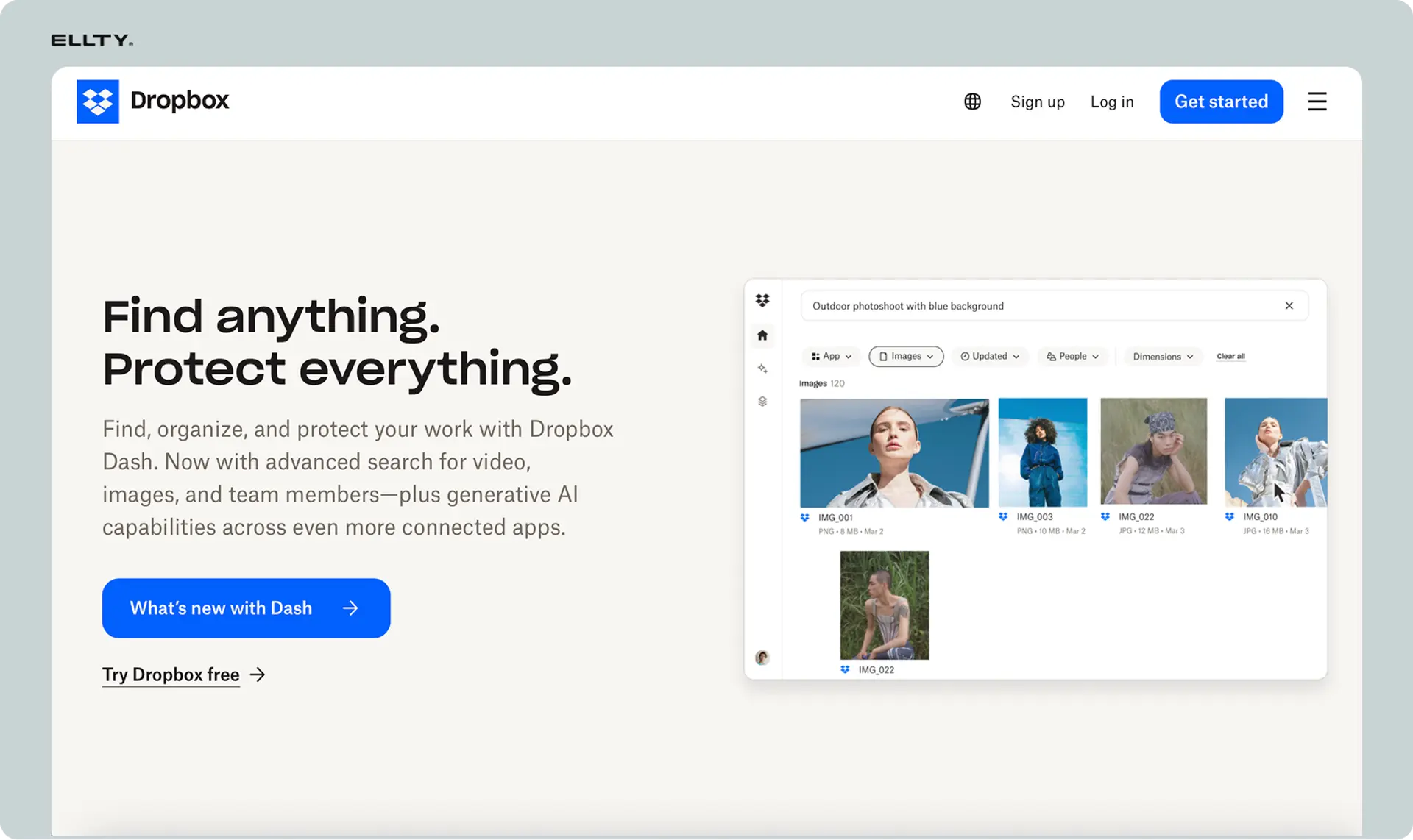
Dropbox has earned its reputation as a reliable, well-built file sharing tool. Its sync performance, particularly for large files, is consistently good, and its sharing controls are among the strongest of any general-purpose cloud storage platform.
Security: AES-256 encryption at rest, TLS in transit, and 2FA support. End-to-end encryption is only available on business plans. One downside: Dropbox uses a single encryption key per account (versus per-file), which is a minor architectural disadvantage compared to some competitors.
Sharing controls: Password-protected links, download restrictions, link expiration, and advanced admin controls are all available on paid plans. This is where Dropbox genuinely outperforms Google Drive and OneDrive for external sharing scenarios.
Best for: Teams on mixed platforms (Mac, Windows, Linux) that need reliable sync and granular sharing controls.
Limitations: Only 2 GB of free storage - stingy compared to the 15 GB you get with Google Drive. Dropbox Business plans can get expensive as teams grow. No zero-knowledge encryption on standard plans. Collaboration features (Dropbox Paper) are limited compared to Google Docs or Microsoft 365.
Pricing: Free up to 2 GB. Paid plans from $11.99/user/month (Plus) or $15/user/month (Business).
4. Microsoft OneDrive - Best for Microsoft 365 organizations


If your organization runs on Microsoft 365, OneDrive is a natural fit. It integrates directly with Word, Excel, Teams, and SharePoint in a way that no third-party tool can replicate, and the desktop experience on Windows is seamless, it's built right into File Explorer.
Security: AES-256 encryption at rest and TLS in transit, with one noteworthy architectural advantage: OneDrive uses per-file encryption keys, meaning each file has its own key. This makes it harder for a single compromised key to expose all your data. OneDrive also includes a Personal Vault feature that requires additional biometric or PIN verification to access a dedicated folder, a useful extra layer for sensitive files.
Sharing controls: Solid, though slightly less granular than Dropbox for link-based sharing scenarios. Good admin controls for enterprise accounts.
Best for: Organizations already using Microsoft 365 where seamless integration matters more than advanced sharing analytics.
Limitations: Less versatile across non-Microsoft platforms. Sharing controls are slightly less flexible than Dropbox for external sharing workflows.
Pricing: Free up to 5 GB. Microsoft 365 plans (which include OneDrive) start at $6/user/month.
5. WeTransfer - Best for quick, one-off large file transfers

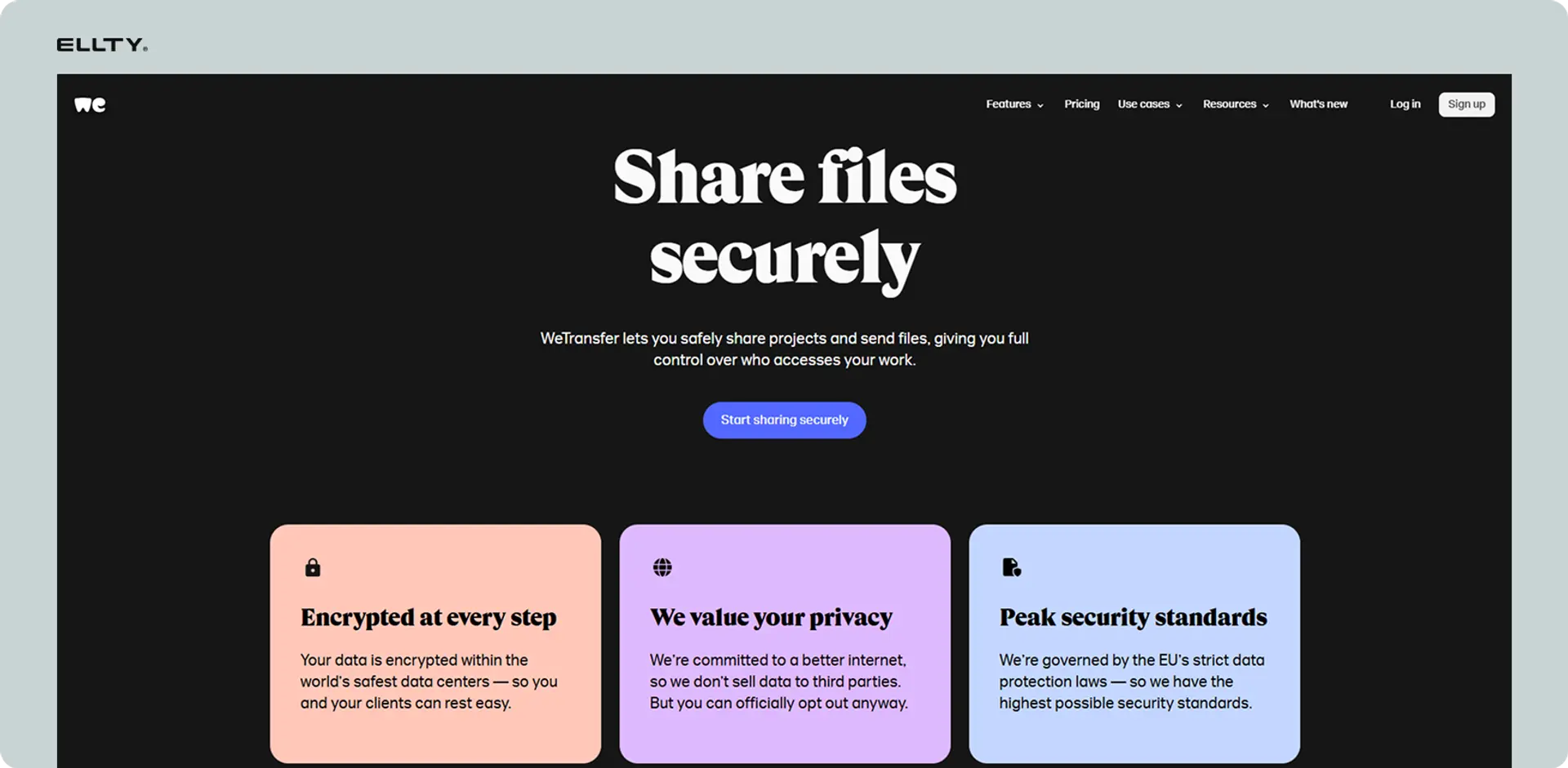
WeTransfer occupies a specific and useful niche: sending large files to someone outside your organization who doesn't have an account. It's fast, requires no setup for the recipient, and handles large file sizes well.
Security: AES-256 encryption at rest and TLS during transfer. Supports 2FA. The free plan doesn't include password protection - anyone with the link can download the file. The Pro plan adds password protection and longer link expiry.
Sharing controls: Minimal. This is fundamentally a transfer tool, not a storage or access management tool. Files on the free plan expire after a few days. Even paid plans have retention limits.
Best for: Sending large files quickly to external parties who don't need ongoing access. Designers, agencies, and anyone doing one-off file delivery.
Limitations: Not suitable for ongoing file management or anything requiring access controls. The free tier relies on advertising revenue, which means ad targeting is part of the equation. No persistent storage, no audit logs, no viewer analytics.
Pricing: Free up to 2 GB per transfer. Pro plan from $12/month.
6. Citrix ShareFile - Best for regulated industries


ShareFile is purpose-built for compliance-heavy environments - healthcare, legal, financial services - where regulatory requirements like HIPAA, SOX, and FINRA aren't optional. It offers industry-specific compliance certifications, e-signature integration, and more granular administrative controls than any general-purpose cloud storage platform.
Security: Strong across the board, with detailed audit trails, role-based permissions, and industry-standard compliance certifications. Built for environments where proving who accessed what and when is a legal requirement.
Sharing controls: Granular admin controls, customizable permission levels, client portals, and built-in e-signatures. More control than Dropbox or OneDrive, with the compliance documentation to back it up.
Best for: Healthcare companies dealing with HIPAA requirements, legal firms managing client files, financial services organizations with regulatory obligations.
Limitations: More complex to set up and administer than general-purpose tools. Significantly more expensive. For most startups, the compliance overhead doesn't match the actual risk profile, it's more tool than you need unless you're in a regulated industry.
Pricing: Starts around $50/month for small teams. Enterprise pricing varies.
7. Tresorit - Best for privacy-first file storage

Tresorit is the strongest option in this list for anyone who prioritizes privacy above convenience. It's built around end-to-end, zero-knowledge encryption — meaning your files are encrypted on your device before they ever leave it. Tresorit cannot read your files even if compelled to.
Security: True zero-knowledge encryption. End-to-end encrypted across all plans. Compliant with GDPR and a range of other privacy regulations. Servers are based in Europe. This is the closest you get to genuinely private cloud storage.
Sharing controls: Encrypted sharing links with password protection, expiry dates, and download restrictions. Recipient verification options. Not as feature-rich as a purpose-built data room, but solid for privacy-conscious sharing.
Best for: Legal professionals, journalists, founders dealing with highly confidential IP, anyone who genuinely can't afford a data breach and values privacy over platform integrations.
Limitations: Less seamless than Google Drive or Dropbox for everyday team collaboration. No free plan. Not built for investor due diligence workflows that require page-level analytics or NDA gating.
Pricing: From $10/user/month (Business). No meaningful free tier.
8. Virtual Data Rooms (Intralinks, Firmroom, and others) - Best for M&A and institutional due diligence
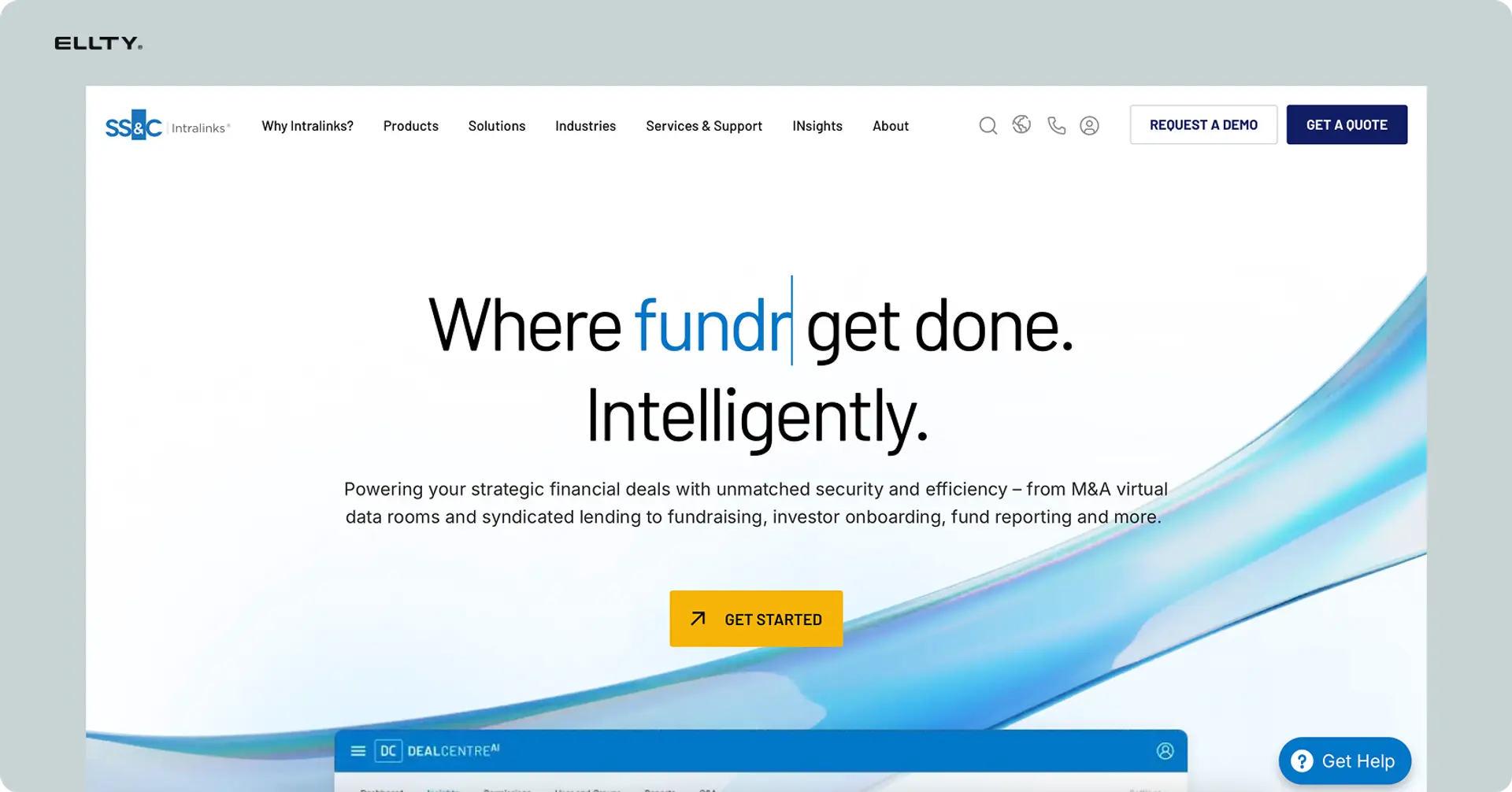
For full-scale M&A transactions, institutional fundraising rounds, and regulatory reviews involving dozens of stakeholders, purpose-built virtual data room (VDR) platforms like Intralinks and Firmroom are the standard. Think of a VDR as a Dropbox folder that has NDAs at the door, knows exactly who looked at which page and for how long, can be shut down instantly, and leaves a complete paper trail.
Security: Enterprise-grade security, detailed access logs, role-based permissions, and full audit trails. Most enterprise VDR platforms meet SOC 2, ISO 27001, and GDPR compliance standards.
Sharing controls: The most granular available. User-level permissions, document-level restrictions, fence view (which prevents screen capture), print restrictions, dynamic watermarking, and complete audit reports.
Best for: M&A due diligence, Series A+ fundraising rounds with institutional investors, regulatory audits, legal proceedings requiring structured document access and proof of access.
Limitations: Complex to set up. Expensive, enterprise VDR pricing typically runs into thousands of dollars per month. Significant overkill for founders sharing a pitch deck with early-stage angels or doing pre-seed fundraising.
When you actually need one: When you're in M&A due diligence and need to share financials and contracts with buyer teams, when you're raising a serious funding round with multiple institutional investors requiring structured document access, or when you're going through a regulatory review that requires a complete access log.
Best secure file sharing software for business and teams
Business use cases have different requirements. Here's the breakdown by scenario.
For general team collaboration and file sync, Google Workspace or Microsoft 365 (with OneDrive or SharePoint) are the defaults for good reason. They're integrated, reliable, and priced reasonably per user.
For larger file sharing with more granular controls, Dropbox Business is a solid choice. You get password-protected links, version history, advanced admin controls, and a good integration ecosystem.
For sharing sensitive documents with external parties - clients, investors, partners - you need something purpose-built. This is where the category splits between simple secure sending tools and full virtual data rooms.
A virtual data room (VDR) is a secure, controlled digital environment used to share sensitive documents with multiple external stakeholders - typically during fundraising, due diligence, M&A processes, or legal proceedings. Think of it as a Dropbox folder that has NDAs at the door, knows exactly who looked at which page and for how long, can be shut down instantly, and leaves a complete paper trail.


Secure file sharing for fundraising and sensitive business documents
When you're sharing confidential documents with external stakeholders, a few problems show up immediately. You don’t know who the file gets forwarded to. You can’t see which sections actually get attention. There’s no visibility into whether the document was even opened. And if discussions don’t move forward, your sensitive data - financials, projections, internal materials - remains sitting in inboxes you no longer control.
Basic cloud storage tools like Dropbox or Google Drive aren’t built for this level of control. At best, they tell you a link was clicked - nothing more.
What you actually need from secure document sharing:
- Trackable links that identify who accessed the file
- Page-level analytics to understand engagement
- Real-time alerts when a document is opened
- The ability to revoke access instantly
- Optional NDA gating before access is granted
This is where a secure file-sharing and data room platform like Ellty comes in. Instead of sending attachments or static links, you upload your documents, generate controlled access links, and gain full visibility into how each file is being used. You can monitor engagement, receive instant notifications, and maintain control over access at all times.
For smaller-scale sharing whether it’s outreach, early discussions, or selective document distribution - basic tracking and analytics are often enough. But as the process becomes more structured, involving multiple documents, stakeholders, and stricter confidentiality requirements, a full data room setup becomes essential. This includes permission controls, organized document access, audit logs, and secure collaboration at scale.
For more complex processes with multiple parties such as structured fundraising rounds, M&A activity, or legal due diligence, a dedicated data room environment ensures everything stays controlled, traceable, and secure from start to finish.
That said, if you're doing a full Series A or B process with multiple buyers, legal teams, and dozens of stakeholders requiring NDA gating and granular permissions, you're in data room territory. Ellty Data Room plan starts at $149/month and covers that use case.
What is a virtual data room and when do you actually need one?
A virtual data room is a secure, permission-controlled environment for sharing large volumes of sensitive documents with multiple external parties. The term gets thrown around loosely - not every "data room" tool is actually built for high-stakes use cases.
You need a proper data room when:
- You're in M&A due diligence and need to share financials, contracts, and cap table information with buyer teams
- You're raising a serious funding round and want to give investors structured access to company documents
- You're going through an audit or regulatory review and need to maintain a complete access log
- You have legal documents that need controlled distribution with proof of access
Signs you probably don't need a full VDR:
- You're sharing a single pitch deck with 5-10 investors
- You're sending files to your accountant
- You're collaborating on documents internally
For simpler use cases, tools like Ellty offer data room-adjacent features - trackable links, viewer analytics, access controls, NDA gating - without the complexity or per-user pricing of enterprise VDR platforms.
Tool comparison: what actually matters for business
Here's a straightforward comparison of the main tools across features that matter for business users:


If you're sharing pitch decks with investors right now and you don't know who's opened them or which slides they're spending time on, you're flying blind. Try Ellty free plan and get that visibility back in under 5 minutes. When it comes to protecting your company's most sensitive documents during due diligence or fundraising, a tool that shows you exactly who accessed what isn't optional - it's the minimum standard.
FAQ
What is the most secure way to share files?
For genuinely sensitive files, the most secure approach combines sharing via a purpose-built platform (not email), enabling two-factor authentication, using password-protected links with expiration dates, and maintaining an audit log of access. Zero-knowledge encryption tools like Tresorit go furthest on privacy. For business document sharing with external parties, a virtual data room with NDA gating and viewer analytics gives you the most control.
What's the best free secure file sharing option?
Google Drive is the strongest free option for general use - 15 GB of storage, solid encryption, and good access controls. For sharing specific documents with tracking, Ellty free plan gives you trackable links and real-time viewer notifications at no cost. WeTransfer works for quick file sends but offers limited security on the free tier.
What's the difference between cloud storage and a virtual data room?
Cloud storage (Google Drive, Dropbox, OneDrive) is a general-purpose tool for storing and sharing files. A virtual data room is a purpose-built secure environment for sharing sensitive documents with controlled external access typically used for due diligence, fundraising, M&A, or legal processes. Data rooms include NDA gating, granular viewer permissions, page-level analytics, dynamic watermarking, and complete audit logs that cloud storage doesn't provide.
What is the most secure way to share files?
For genuinely sensitive files, the most secure approach is a combination of: sharing via a purpose-built secure platform (not email), enabling two-factor authentication, using password-protected links with expiration dates, and maintaining an audit log of access. Zero-knowledge encryption tools like Tresorit or ProtonDrive go furthest on privacy. For business document sharing with external parties, a virtual data room with NDA gating and viewer analytics gives you the most control.
What is the best free secure file sharing software?
Google Drive is the strongest free option for general use - 15 GB of storage, solid encryption, and good access controls. For sharing specific documents with tracking and analytics, Ellty free plan gives you trackable links and real-time viewer notifications at no cost. WeTransfer works for quick file sends but offers limited security on the free tier.
Is Google Drive or Dropbox more secure for business?
Neither is definitively "more secure" - they use comparable encryption. Dropbox has stronger sharing controls (password-protected links, download restrictions) which matters for file distribution. Google Drive has better collaboration tools and a stronger native ecosystem if you're already on Google Workspace. Neither offers zero-knowledge encryption on standard plans.
Which is safer, OneDrive or Dropbox?
Both are comparably secure for most use cases. OneDrive uses per-file encryption keys (vs. Dropbox's per-account key) which offers a technical advantage. OneDrive's Personal Vault adds biometric access for sensitive files. Dropbox has more granular link-sharing controls. If you're a Microsoft 365 shop, OneDrive is the natural fit. If you're on a mixed platform, Dropbox is more versatile.
What are the main disadvantages of Dropbox?
The main drawbacks: only 2 GB of free storage (compared to 15 GB on Google Drive), paid plans are relatively expensive as teams scale, no zero-knowledge encryption on standard plans (they technically have access to your data), syncing conflicts can occur with large files, and end-to-end encryption is only available on business plans.
Is WeTransfer or Dropbox more secure?
Dropbox is more secure. Both use AES-256 encryption and TLS, but Dropbox gives you persistent storage, password-protected links, download restrictions, and ongoing access control. WeTransfer's free plan lacks password protection, and files expire after a few days. WeTransfer is useful for quick large-file transfers; for anything requiring ongoing access management, Dropbox or a purpose-built tool is better.
Is ShareFile better than Dropbox?
ShareFile is better for regulated industries requiring HIPAA or SOX compliance, with stronger admin controls and audit trails. Dropbox is more user-friendly, integrates with more third-party tools, and is better for general business use. For most startups, Dropbox is the right choice. For healthcare, legal, or financial services companies with strict compliance requirements, ShareFile is worth evaluating.
What's the difference between cloud storage and a virtual data room?
Cloud storage (Google Drive, Dropbox, OneDrive) is a general-purpose tool for storing and sharing files. A virtual data room is a purpose-built secure environment for sharing sensitive documents with controlled external access - typically used for due diligence, fundraising, M&A, or legal processes. Data rooms include features like NDA gating, granular viewer permissions, page-level analytics, dynamic watermarking, and complete audit logs that cloud storage doesn't provide.
When does a startup actually need a data room?
When you start getting serious inbound interest from institutional investors, when you're preparing for a formal due diligence process, or when multiple parties need structured access to financial, legal, or operational documents. For founders sharing decks with angel investors, a document tracking tool like Ellty free plan is sufficient. A full data room becomes relevant when you're managing a competitive fundraising process or an M&A transaction with multiple stakeholders.
Does Ellty work for due diligence?
Ellty Data Room plan ($149/month) includes granular permissions, NDA gating, dynamic watermarking, restricted visitor access, and audit logs - the features typically required for investor due diligence. The Data Room Plus plan ($349/month) adds group visitor permissions and supports up to 4,000 assets. For early-stage founders who need document tracking without the full data room setup, the free plan or Standard plan ($69/month) covers pitch deck sharing and analytics.
Author

Anika Tabassum Nionta is a Content Manager at Ellty, where she writes about secure document sharing, virtual data rooms, M&A, due diligence, fundraising, and sales enablement. With over 6 years of writing experience, she helps professionals understand how to share confidential documents securely, track engagement, and manage deals more effectively. Anika holds both a BA and MA in English from Dhaka University. Outside of work, she enjoys reading, exploring new cafes in Dhaka, and connecting with entrepreneurs and dealmakers in her community.

